Nginx + Apache Users Rejoice: cPFence WAF Has Arrived!

We’re excited to announce that cPFence Web Application Firewall (WAF) now officially supports Apache and Nginx web servers, in addition to our existing support for OpenLiteSpeed (OLS) and LiteSpeed Web Server (LSWS).
The Nginx web server is a popular choice among system admins and VPS owners due to its exceptional performance and lightweight footprint. When combined with the Enhance control panel, it becomes even more powerful. Enhance makes it easy to manage FastCGI cache (enable/disable), configure cache exclusions, purge cache on demand, and apply URL rewrites per domain. With this update, cPFence users on Nginx and Apache can now enjoy the same level of advanced protection that LSWS and OLS users have had access to.
Our WAF brings a powerful layer of protection to your websites with features like:
- Customizable, powerful security for web applications
- Advanced filtering, intrusion prevention, and protection rules
- Strong XSS and SQL injection mitigation
- Full bot protection with support for whitelisting or blocking specific user-agents
-
Capability to block malicious IPs even when they’re hiding behind Cloudflare proxies
- Full integration with the cPFence WebUI, allowing you to manage WAF rules across your entire cluster from one dashboard
- Continuously updated ModSecurity rule sets to guard against the latest threats affecting real-world websites
There’s much more under the hood, and this update opens the door for even more admins and hosting providers to benefit from our strong, lightweight defense system.
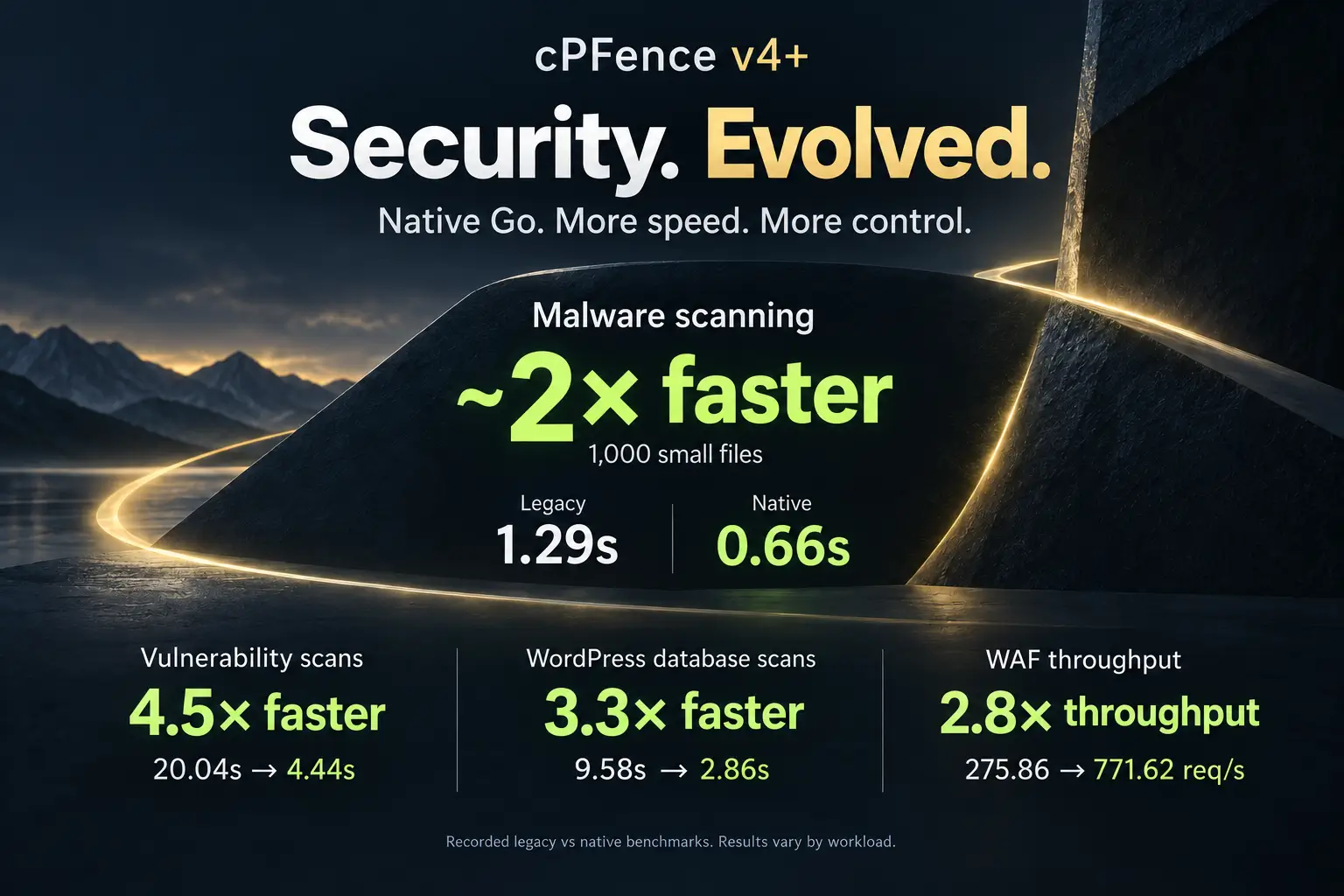
Apache and Nginx support first arrived in version 3.3.62. Using cPFence today? Follow the installation and upgrade guide to run cPFence v4+.
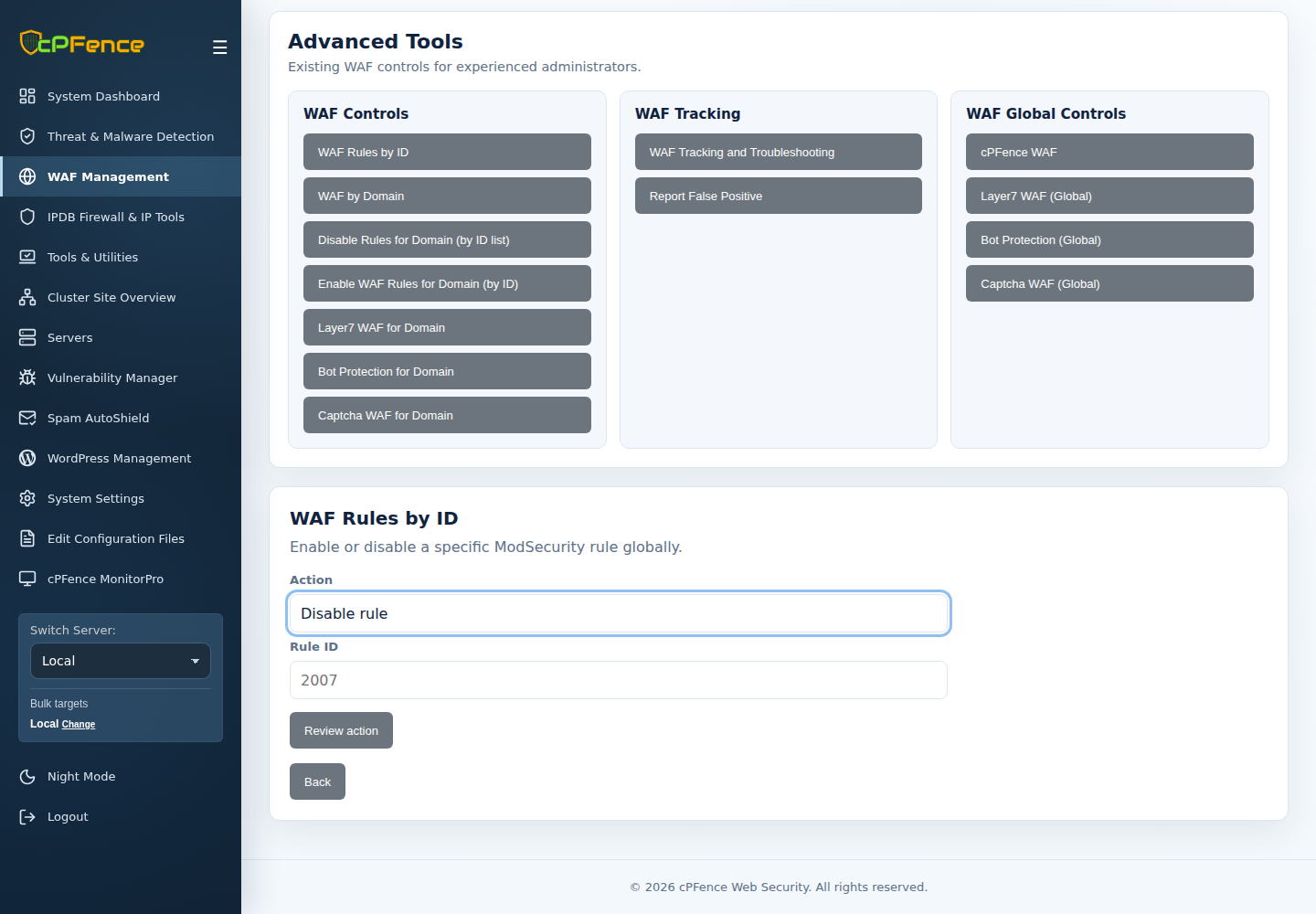
In the current WebUI, open WAF Management → Advanced Tools. Choose the intended server, then use the domain controls for a focused change or WAF Rules by ID for a server-wide exception. Review the target and wait for its final result.
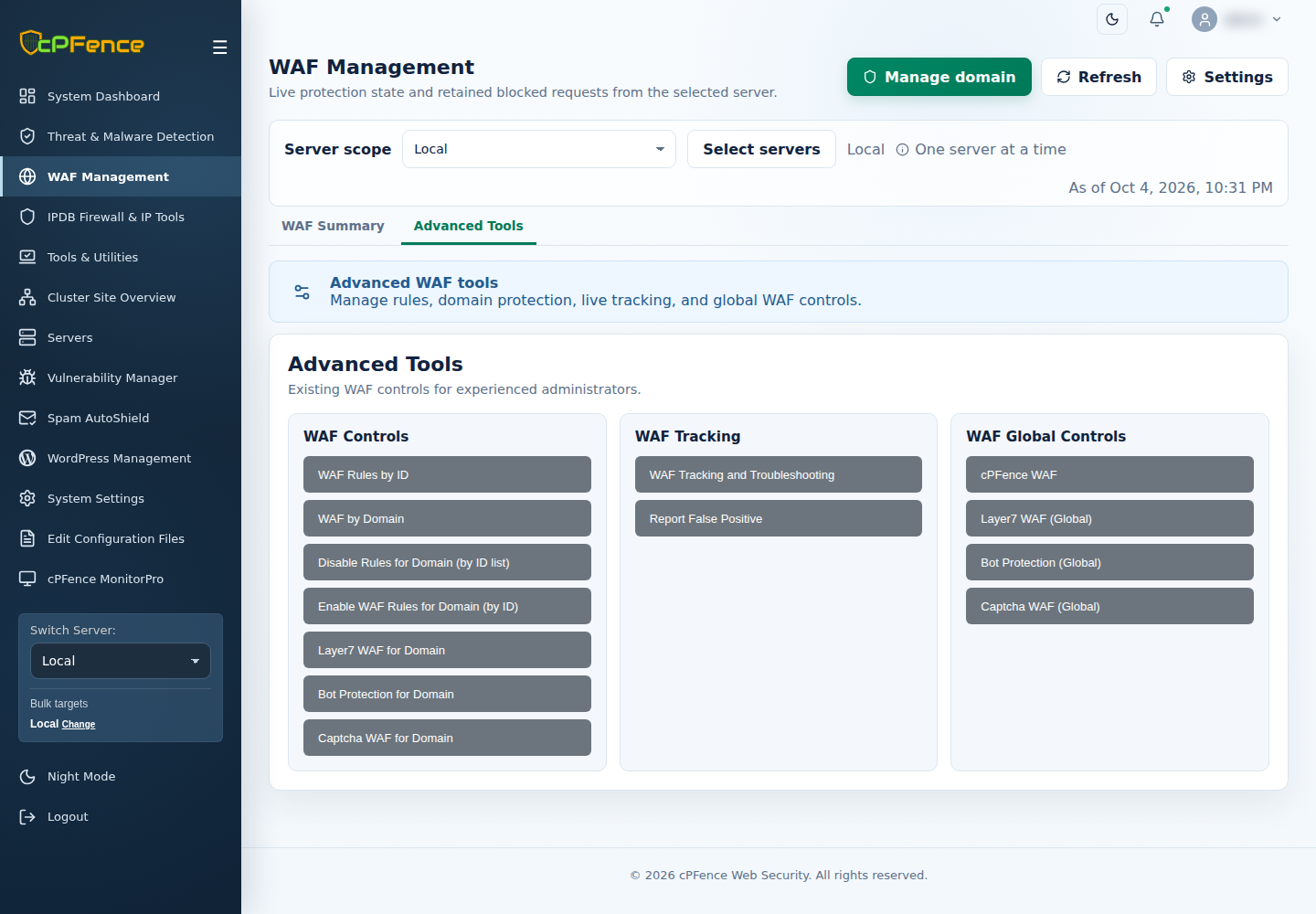
For a false positive, prefer a narrow rule exception over turning off protection. Root administrators can use cpfence --disable-waf-rule RULE-ID and reverse it with cpfence --enable-waf-rule RULE-ID; these affect the server, not just one website. Check the actual rule ID first.
Protect your Nginx and Apache websites
Bring WAF protection and cluster management together with cPFence v4+.
Start free trial