
cPFence v4+ documentation
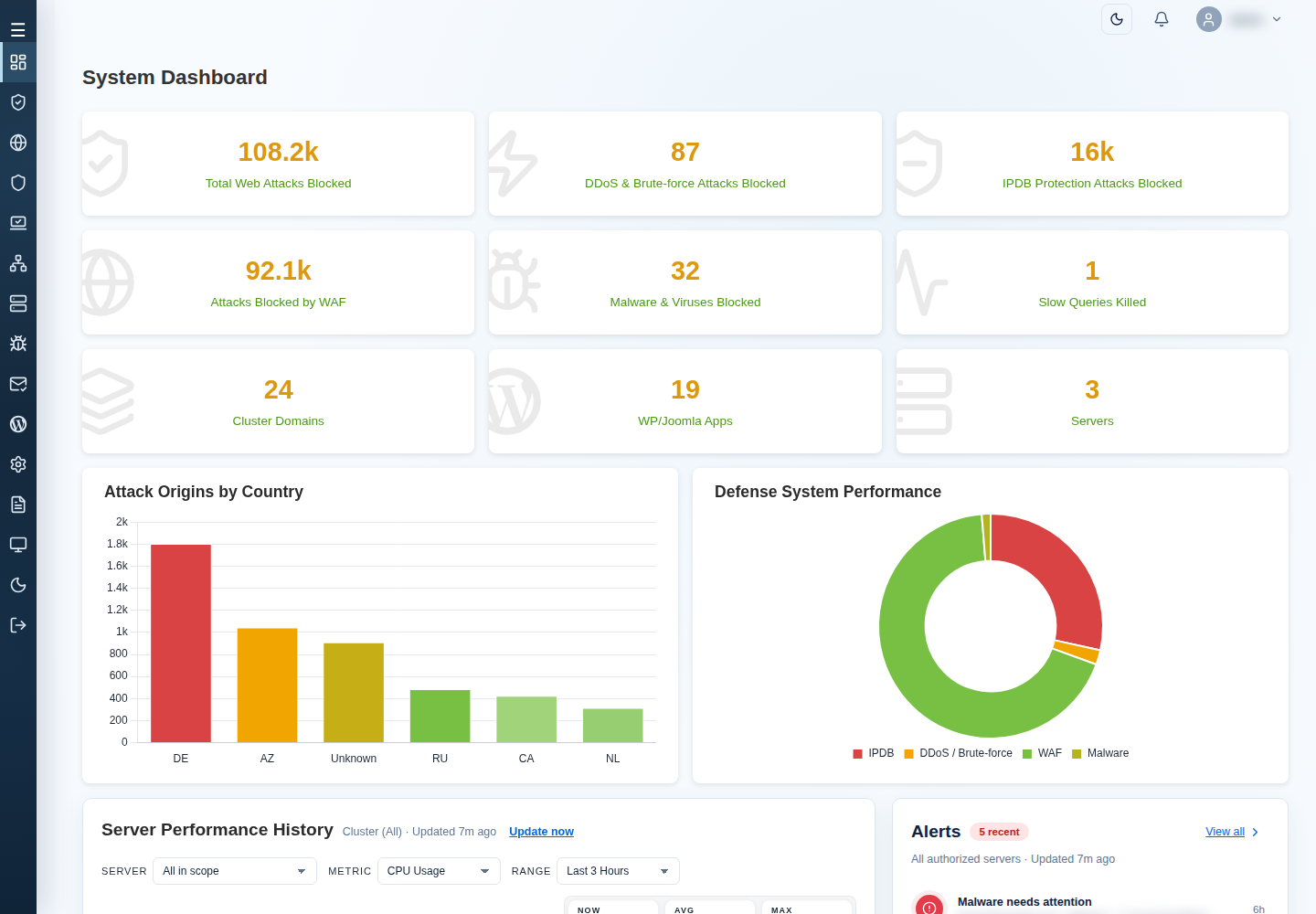
These guides cover cPFence v4+ on Enhance. Manage your main control panel server and secondary servers from the WebUI. Start with installation, or choose a task from the menu.
Start here
Section titled “Start here”- Install and set up cPFence — install cPFence and open your dashboard.
- Run a scan and read its results — choose targets, monitor a scan, and understand findings.
- Troubleshoot a secondary server connection — check connectivity and reconnect a secondary server.
Find a task
Section titled “Find a task”Use the documentation sidebar to browse these sections:
- Getting started: installation, v3 migration, licensing, updates, and account access.
- Billing and pre-sales: choose a billing model, manage payments, and get help before ordering.
- Using the WebUI: dashboards, server selection, cluster management, scan results, and background jobs.
- Protection: malware policies, real-time protection, quarantine, WAF, firewall, and vulnerability findings.
- WordPress: management, AutoShield, integrity checks, backups, and restore.
- Services and administration: email protection, monitoring, reports, and utilities.
- ApiMachine bulk tools: API setup, website and mail settings, backups, and PHP tasks.
- Troubleshooting: WebUI access, secondary server connectivity, and slow commands.
On a small screen, select Menu to open the sections. Use Search to find a task across these v4+ guides.
Accounts and earlier versions
Section titled “Accounts and earlier versions”Use the customer portal for your account and support tickets. For an earlier installation, use the v3 knowledgebase.