
Migrate cPFence v3 to v4
The v4 installer backs up your existing installation, restores supported settings and quarantine, and reuses your license. This guide covers cPFence v4+.
Before you start
Section titled “Before you start”Use root on an Enhance server running Ubuntu 22.04 or 24.04, with a valid cPFence license. Keep a private recovery backup and allow a maintenance window: protection pauses briefly during migration.
Upgrade the main control panel server first, then each secondary server. Secondary servers still on v3 retain their protection but cannot be managed remotely through the v4 WebUI.
Upgrade one server
Section titled “Upgrade one server”-
Run this command as root:
Terminal window bash <(curl -ks https://api.cpfence.app/v4/install.sh) --upgrade --yes--yesconfirms the migration immediately. Run it only when you are ready to proceed. -
Wait for Upgrade completed successfully. Read any configuration notices about settings or features unavailable on that server’s role.
-
Check the result:
Terminal window cpfence --statusConfirm an Active license and your intended protection settings.
-
Open the WebUI and check Servers. Repeat the upgrade on each secondary server and confirm its connection.
-
Review imported quarantine in Threat & Malware Detection → Advanced Tools → Restore Quarantined Files. Files with unknown original locations remain visible with restoration disabled.
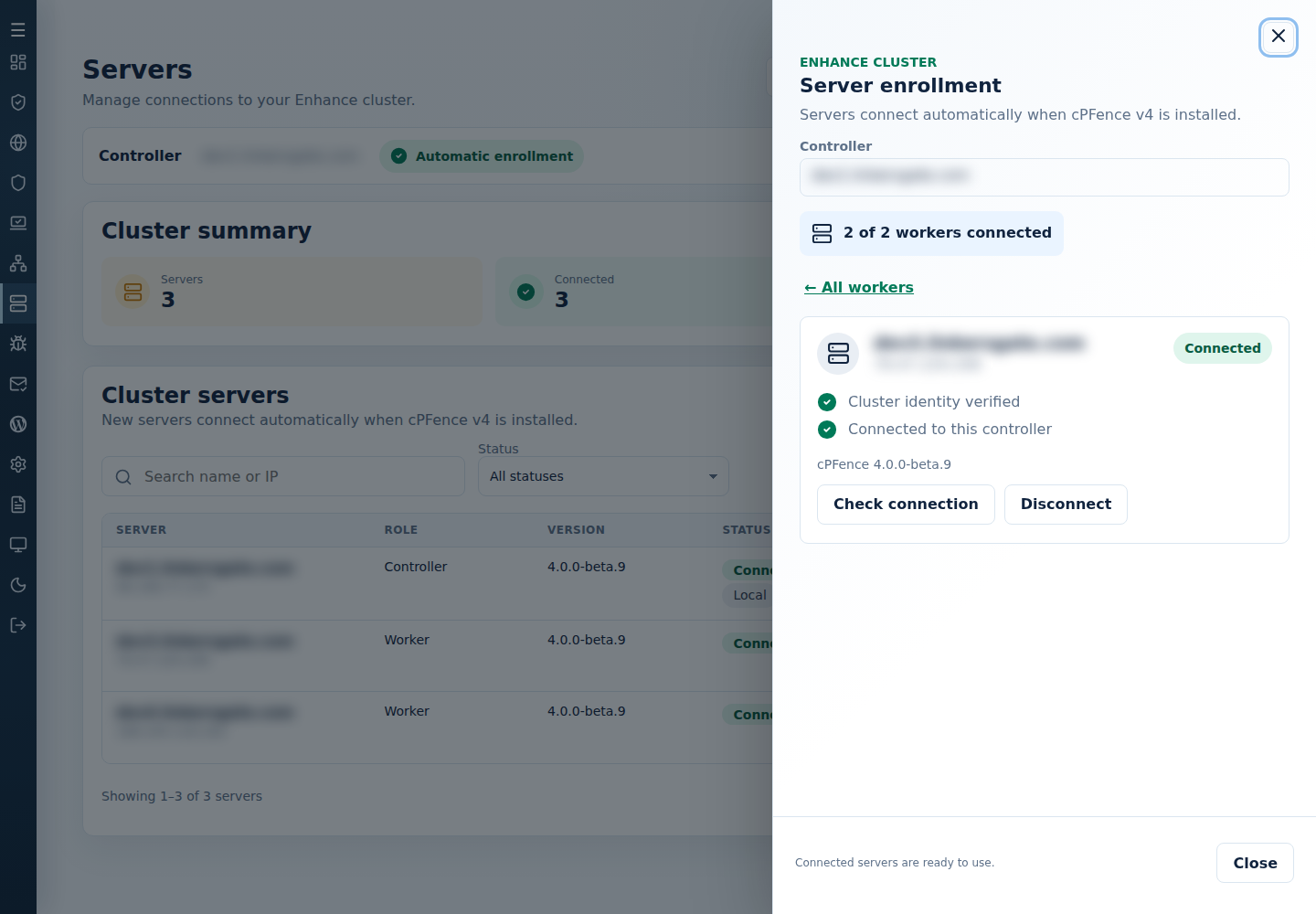
Your existing settings, ASN blocks and administrator password are retained where supported. Recovery archives remain under /var/cpf_backups/; keep them private. The full copy of the old v3 installation is removed automatically 7 days after the upgrade; the migration record, logs, settings and quarantine backups are kept.
If migration stops
Section titled “If migration stops”Resolve the displayed error, then rerun the same upgrade command. The installer resumes saved progress and reuses completed backups. Keep the archives and progress files; do not delete them or reinstall v3 over a partial migration.
Migration does not automatically roll back to v3 after removal. If retry still fails, contact support privately with the error and installed version. The installer log is /var/log/cpfence-v4-install.log.
Already on v4? Use cpfence --update. For a new server, follow Install cPFence.