
Change bot protection globally
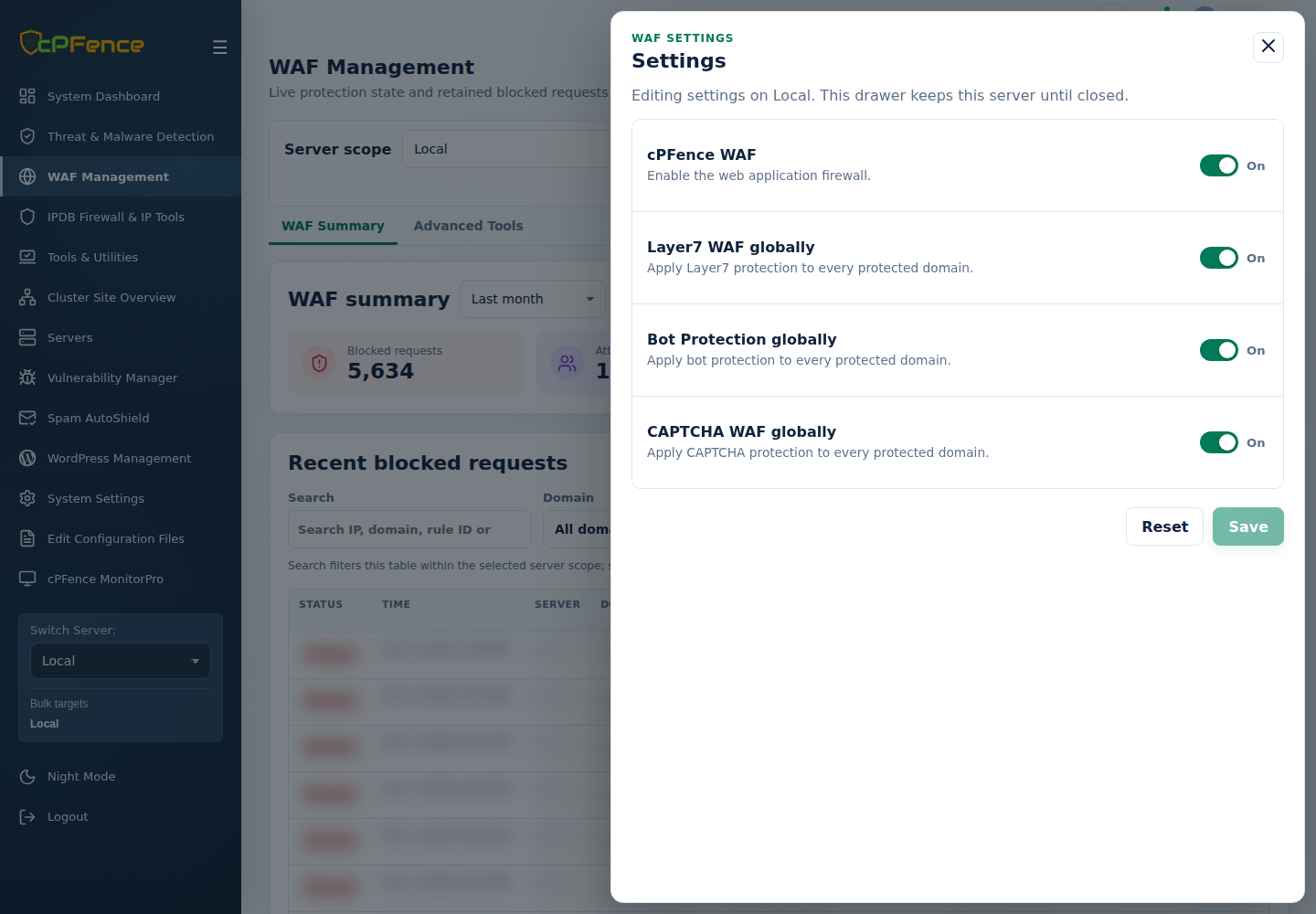
- In cPFence v4+ WAF Management, choose one server and open Settings.
- Set Bot Protection globally, then Save.
- Confirm the value and check legitimate traffic.
For selected servers, use the matching global bot action under Advanced Tools and inspect each target’s result. Support users need global-protection permission.
Root CLI commands affect the server where they run:
| Action | Command |
|---|---|
| Enable globally | cpfence --enable-bot-protection-global |
| Disable globally | cpfence --disable-bot-protection-global |
Custom user-agent lists are separate policies. The cPFence WAF master must be on for WAF protection to operate.