Ignore a domain in MonitorPro
- Open MonitorPro, select its Server scope, and find the domain.
- Open Details › and enable Ignore uptime checks.
- Click Save changes and confirm the saved row shows Ignored.
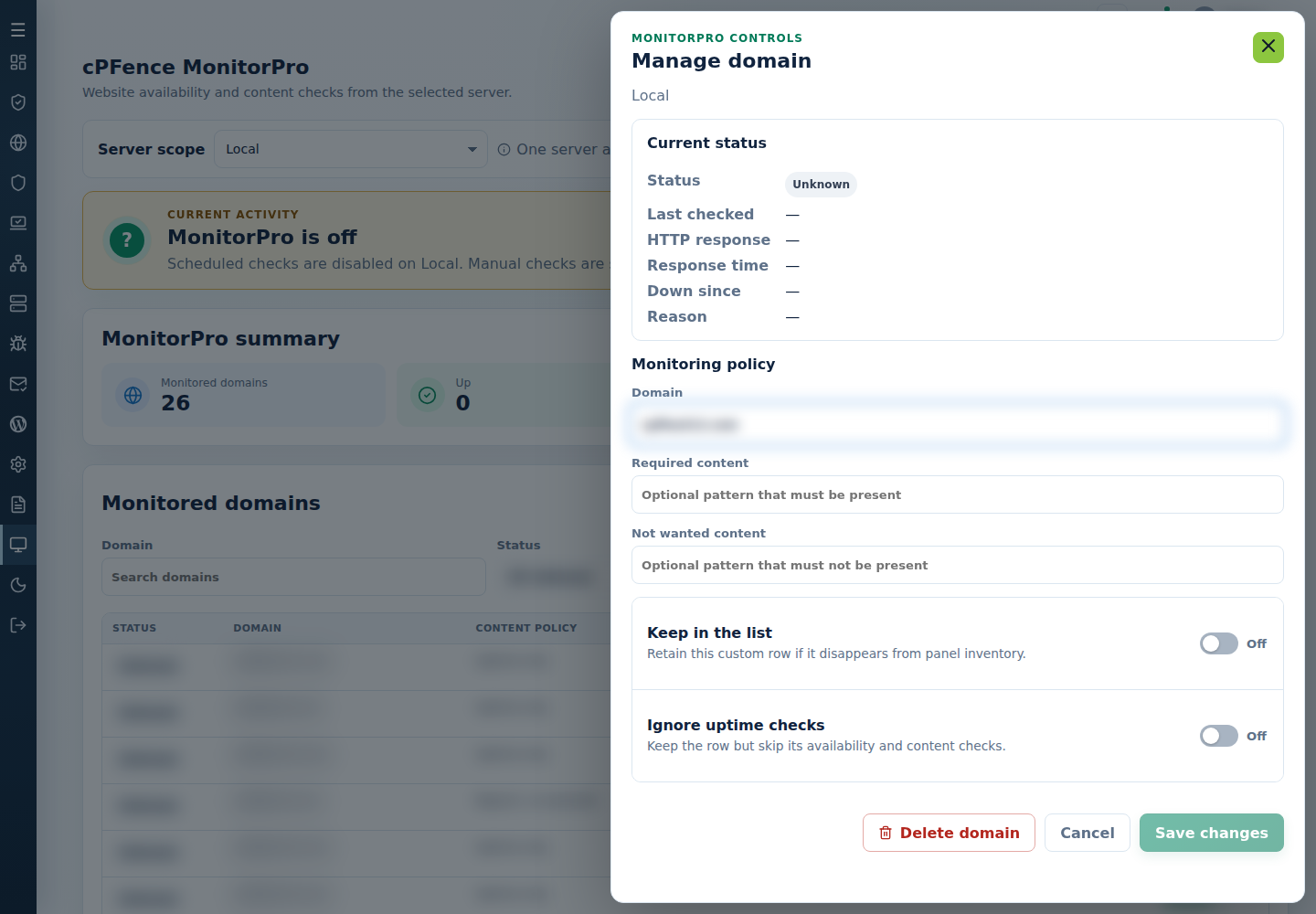
This skips both availability and content checks. It does not remove the row, certify it UP, or disable checks for other domains.
Turn Ignore uptime checks off to resume monitoring. A panel-managed domain deleted from the list can be discovered again; use ignore for a continuing exception.
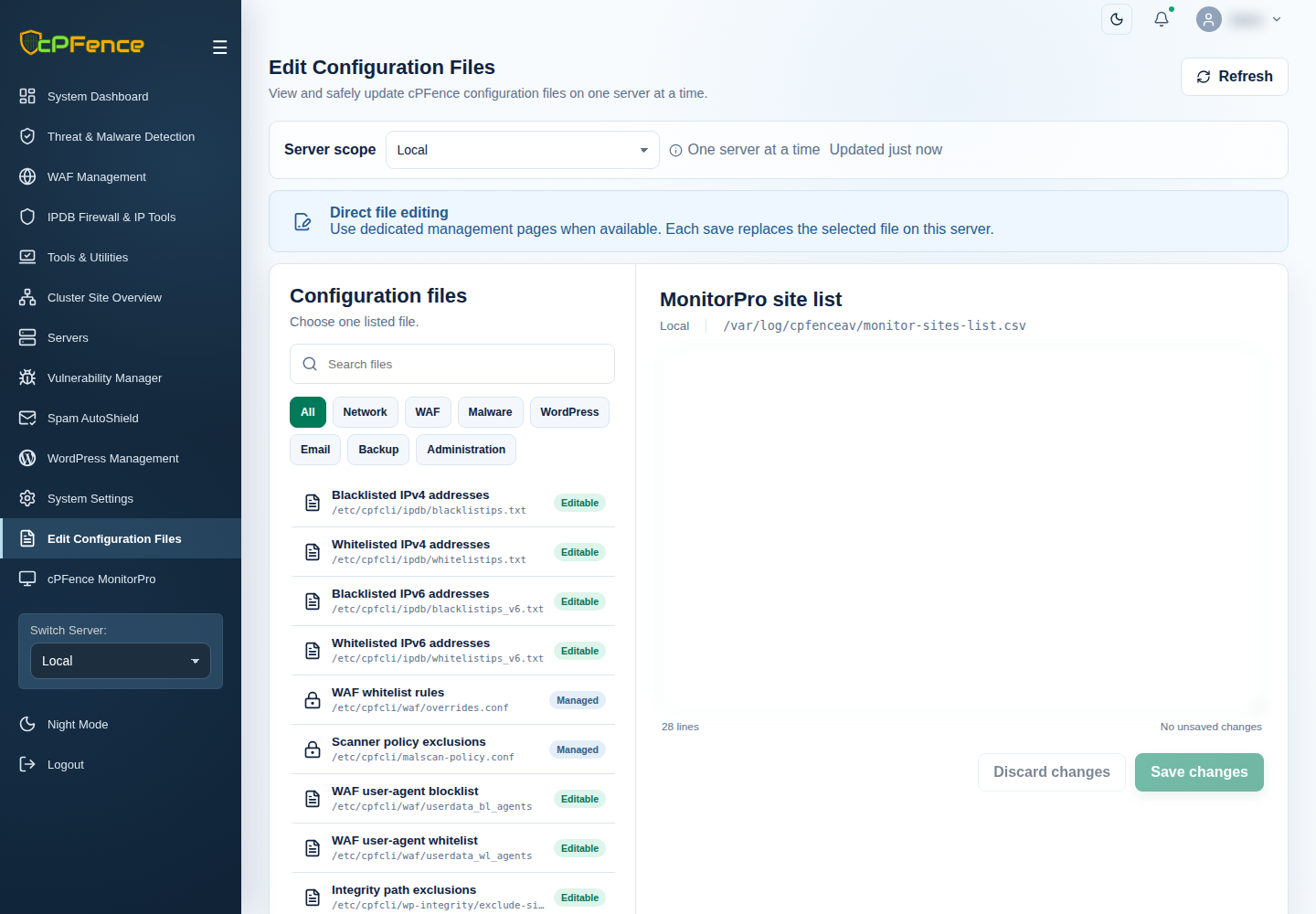
When editing the five-field MonitorPro CSV, the fifth field controls ignore. Retain the preceding fields and validate the saved policy before the next check.