
Block or whitelist a user agent
Use cPFence v4+ user-agent lists for custom bot exceptions or blocks. A User-Agent string can be spoofed; it is not an authenticated identity.
Edit a list
Section titled “Edit a list”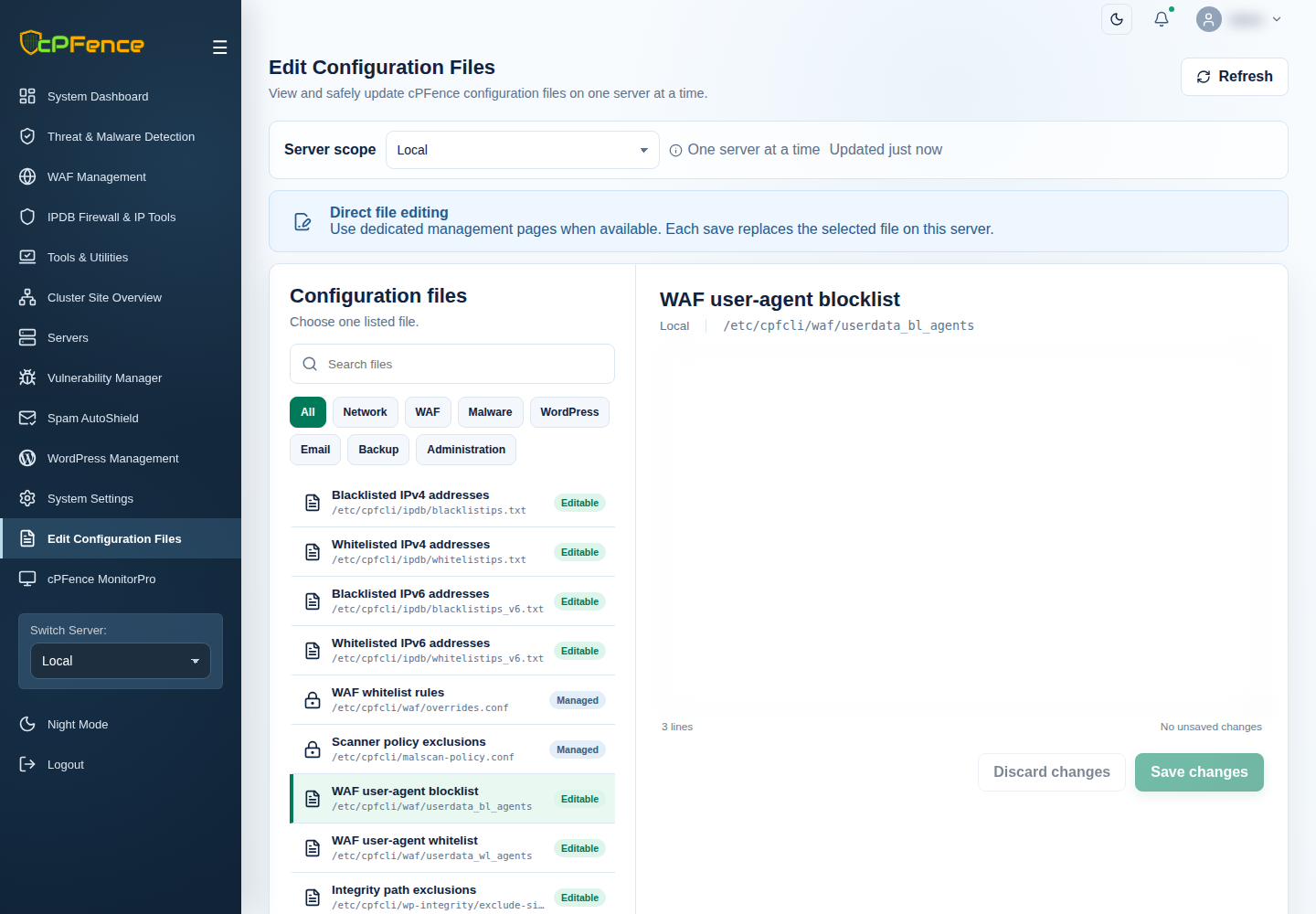
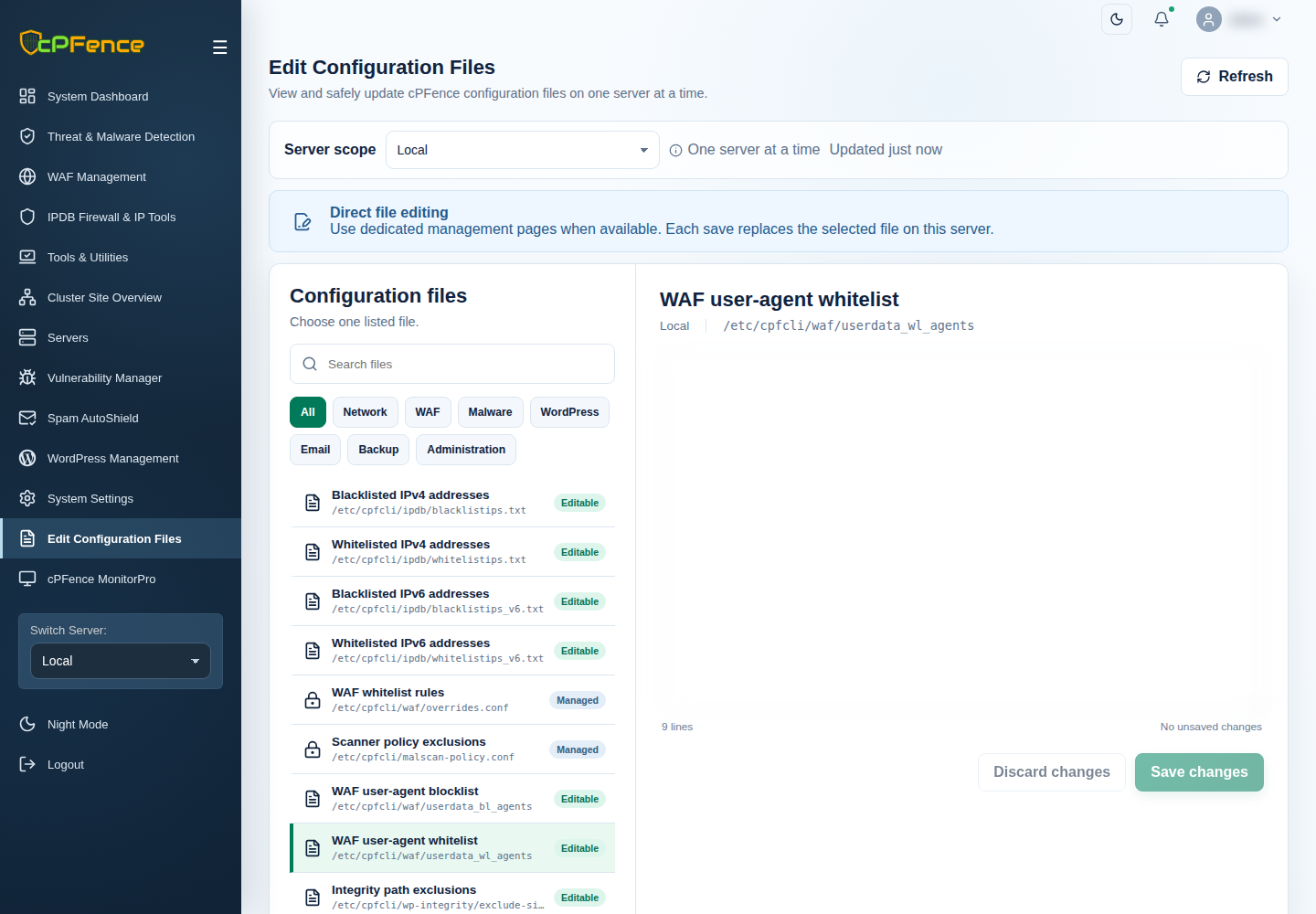
- Choose the target server and disable its WAF master for the editing window.
- Open Edit Configuration Files and choose WAF user-agent blocklist or WAF user-agent whitelist.
- Keep existing entries and add/remove one literal agent phrase per line in File content.
- Choose Save changes, read the result and reload to confirm.
- Enable WAF again, then check the intended request and current WAF events.
Support users need file-editing and WAF-control permissions. Root file locations are /etc/cpfcli/waf/userdata_bl_agents and /etc/cpfcli/waf/userdata_wl_agents; prefer the validated editor workflow.