
Edit the custom WAF IP blocklist
The cPFence v4+ WAF IP list is separate from automatic Layer7 protection and the IPDB firewall lists.
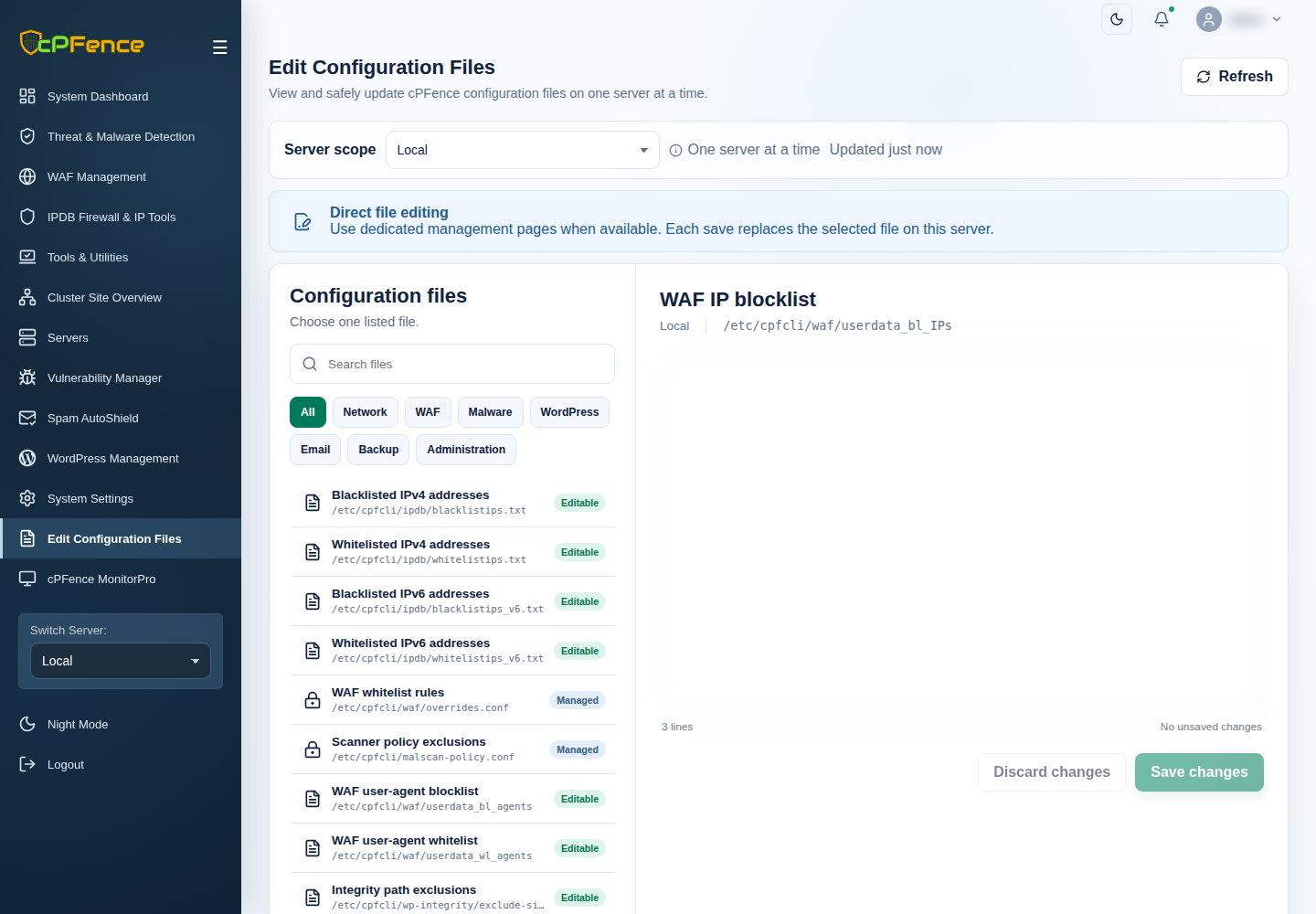
- Choose the target server and disable its WAF master for editing.
- Open Edit Configuration Files → WAF IP blocklist.
- Keep a copy of the current list, then add or remove one valid IP address or CIDR per line.
- Choose Save changes, read the result and reload to verify.
- Enable WAF again, then check the intended request and matching event.
Support users need file-editing and WAF-control permissions. The installed list is /etc/cpfcli/waf/userdata_bl_IPs.
Disabling automatic Layer7 protection does not erase this custom list. Use IPDB policies when you intend a firewall policy rather than a WAF request rule.