
Check WAF protection on a website
Use the cPFence WAF Protection Checker for a website you administer.
- Enter the website address in Website URL.
- Choose Generate Test Link(s).
- Open the generated link for your website and review the response.
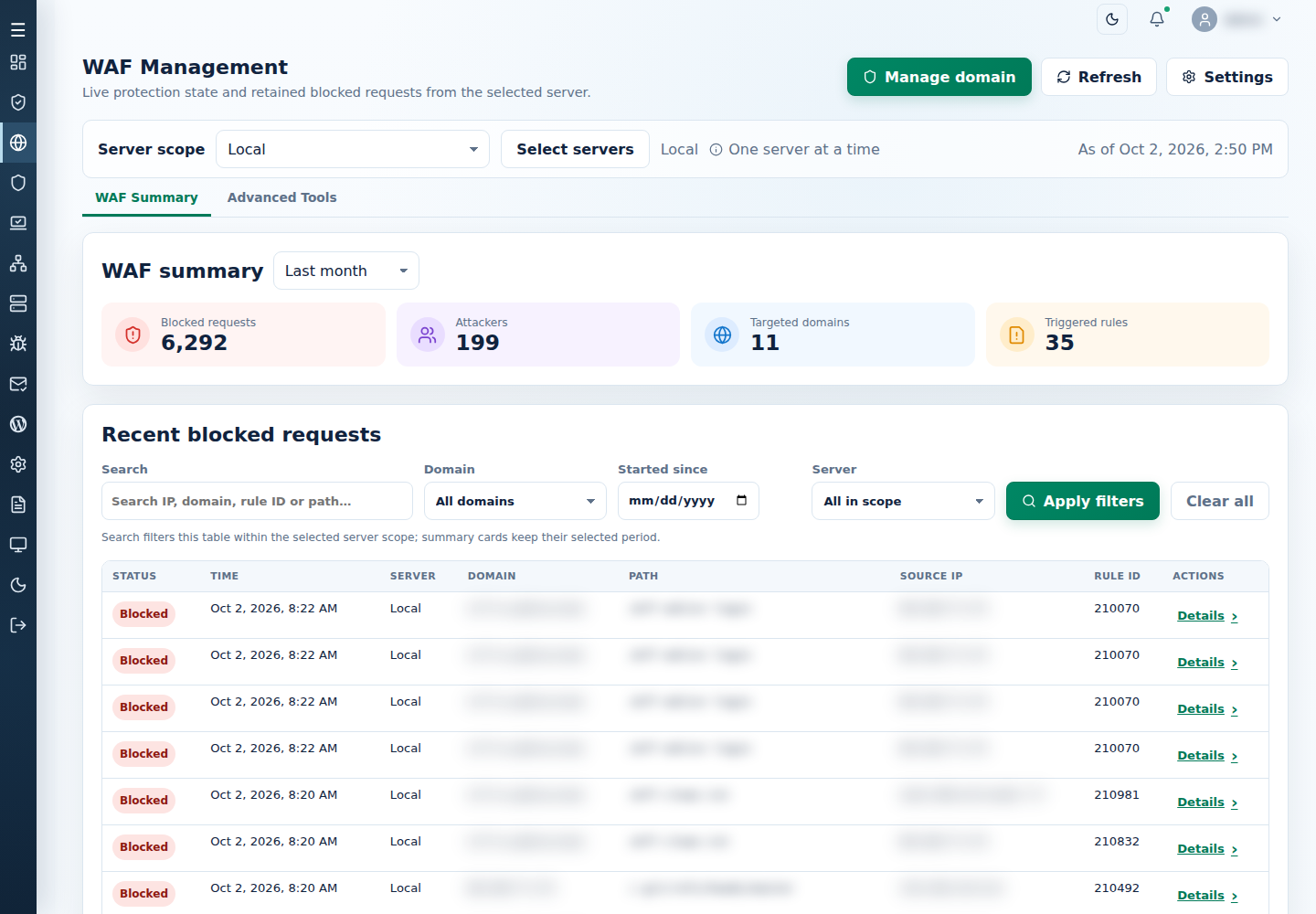
- Compare that request’s URL and time with WAF Management → WAF Summary or WAF tracking.
Bulk mode accepts one URL per line, up to 20; review the targets before opening links. Test requests can appear in site/WAF logs.
If no corresponding event appears or the result is unexpected, follow WAF troubleshooting. Keep the affected URL, time and engine version for support.