
Create a WordPress user
- Choose the intended servers and sites. Start with one installation.
- Open Choose action → Bulk tools → Users → Create WordPress user.
- Enter Username, Email, Password and Role. The form does not accept commas in the password.
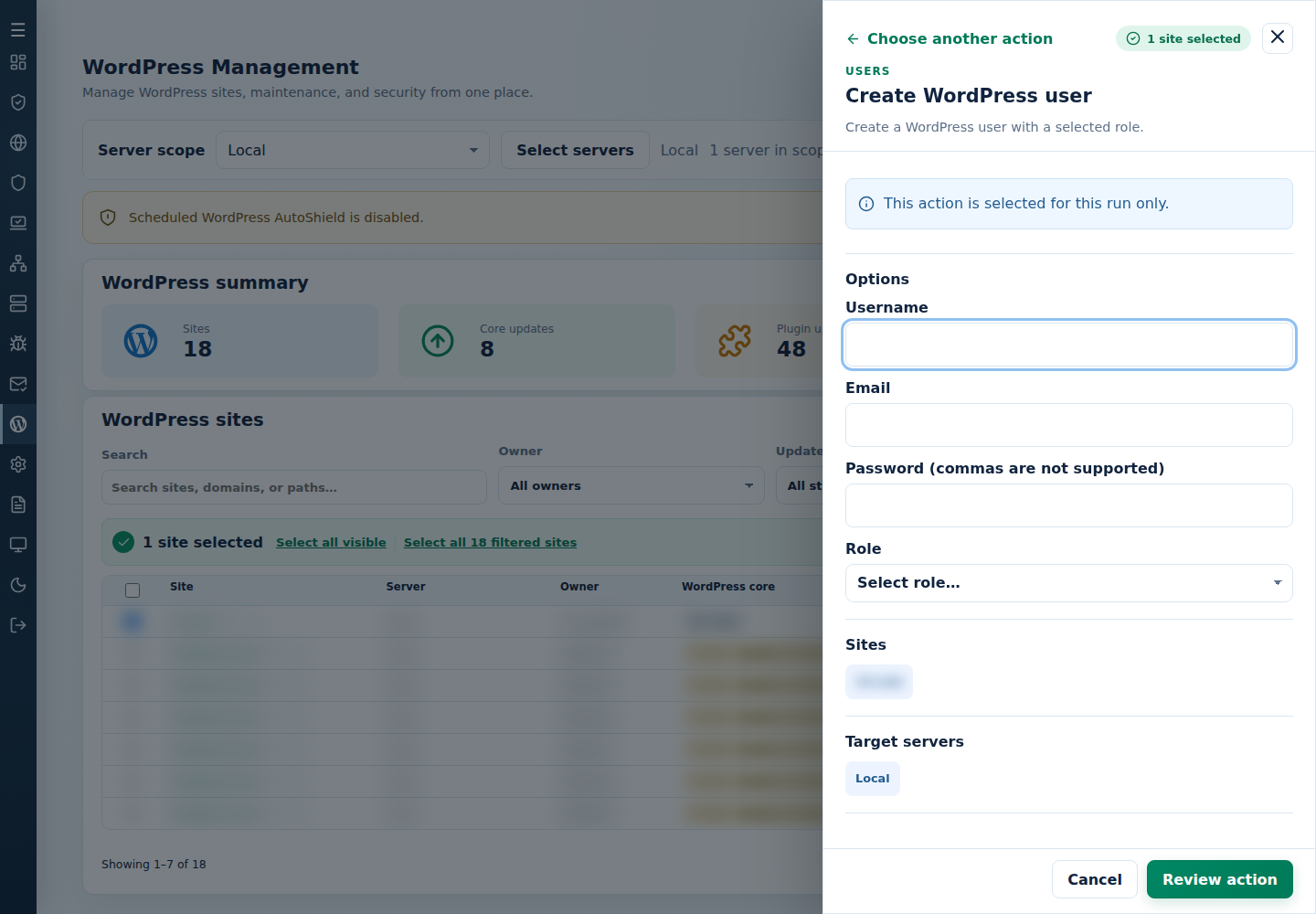
- Review the action and targets, then confirm. Read every site’s final result, including skips. Finished can include failed sites; see Read the outcome.
Check the new account and role on each site. Share credentials securely only with the intended recipient; rotate a temporary password after handover. Confirm an administrator account is needed on every selected site.
Command-line method
Section titled “Command-line method”From a root terminal on the server hosting the sites, use the interactive command:
cpfence --bulk-create-wp-userReview /var/log/cpfenceav/wp-sites-list.txt and the inventory prompt, then enter the requested username, email, password and role. This uses the listed sites, not the sites checked in the WebUI. Choose only the role the recipient needs and check each site’s final result before sharing credentials.
For a reviewed automation job, provide username,email,password,role as one quoted argument:
Replace all example values, use a unique strong password and confirm that an administrator account is intended on every listed site. The automatic form skips confirmation and repeats those account details across the list. Password arguments can appear in shell history or process listings; prefer the interactive method for manual work and keep any automation private.
Share the resulting credentials securely, then rotate a temporary password after handover. If a site reports a failure or an existing account, inspect that site rather than assuming every account was created.