
Fix a bulk IP list import
If a cPFence v4+ bulk whitelist or blacklist fails, check the reported source and line first.
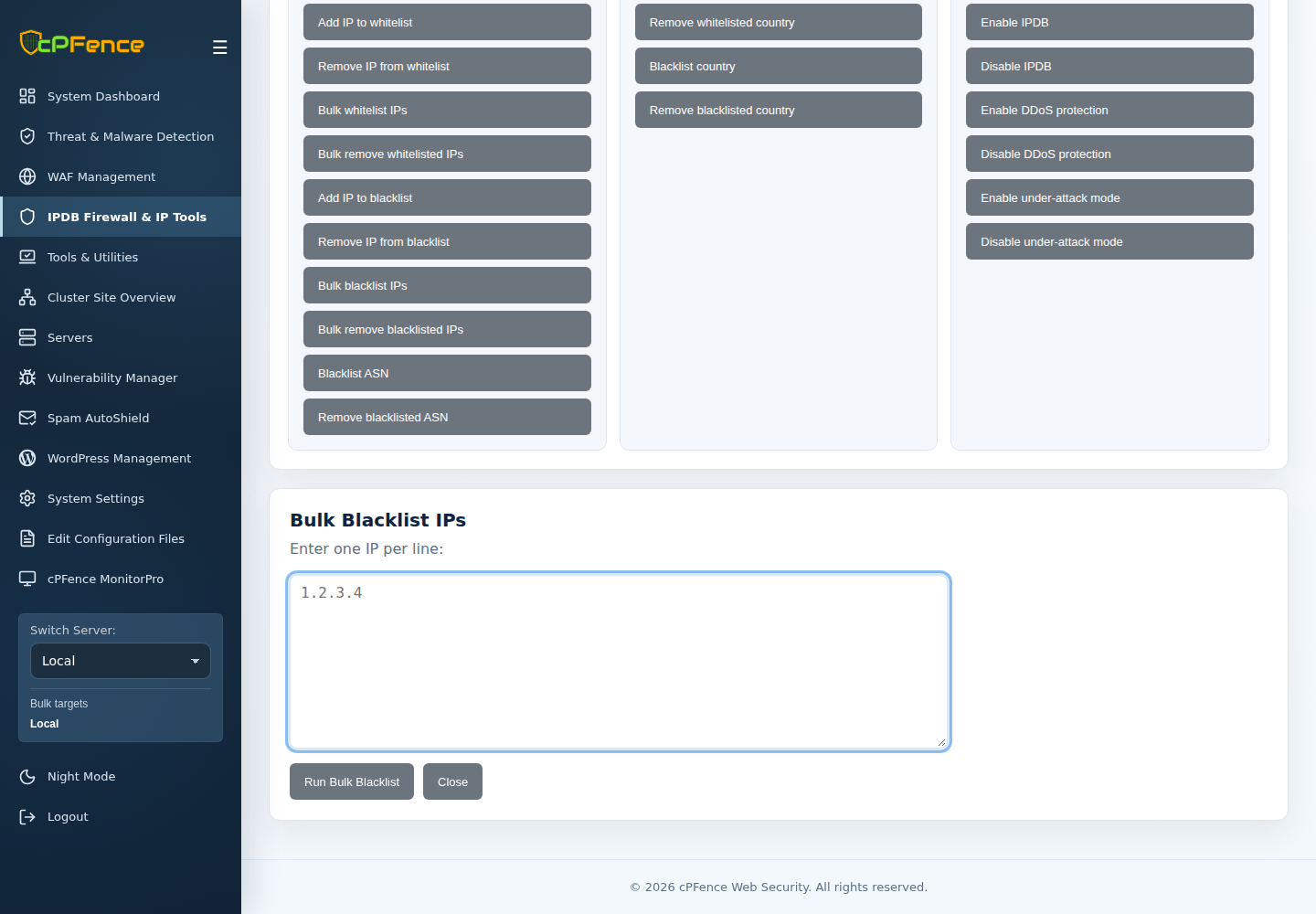
- Confirm the URL returns the intended plain-text list rather than a login page, HTML error or redirect to unrelated content.
- For a file, confirm it is a regular readable file on every selected server.
- Use one valid IPv4/IPv6 address or CIDR per line. Blank lines and
#comments are allowed; remove malformed entries identified by the error. - Keep the list small enough for the reported limits. An empty or invalid list is not a successful import.
- Retry only the corrected work, then inspect each server’s current policy.