
Change WordPress login and XML-RPC controls
- Select the intended installations.
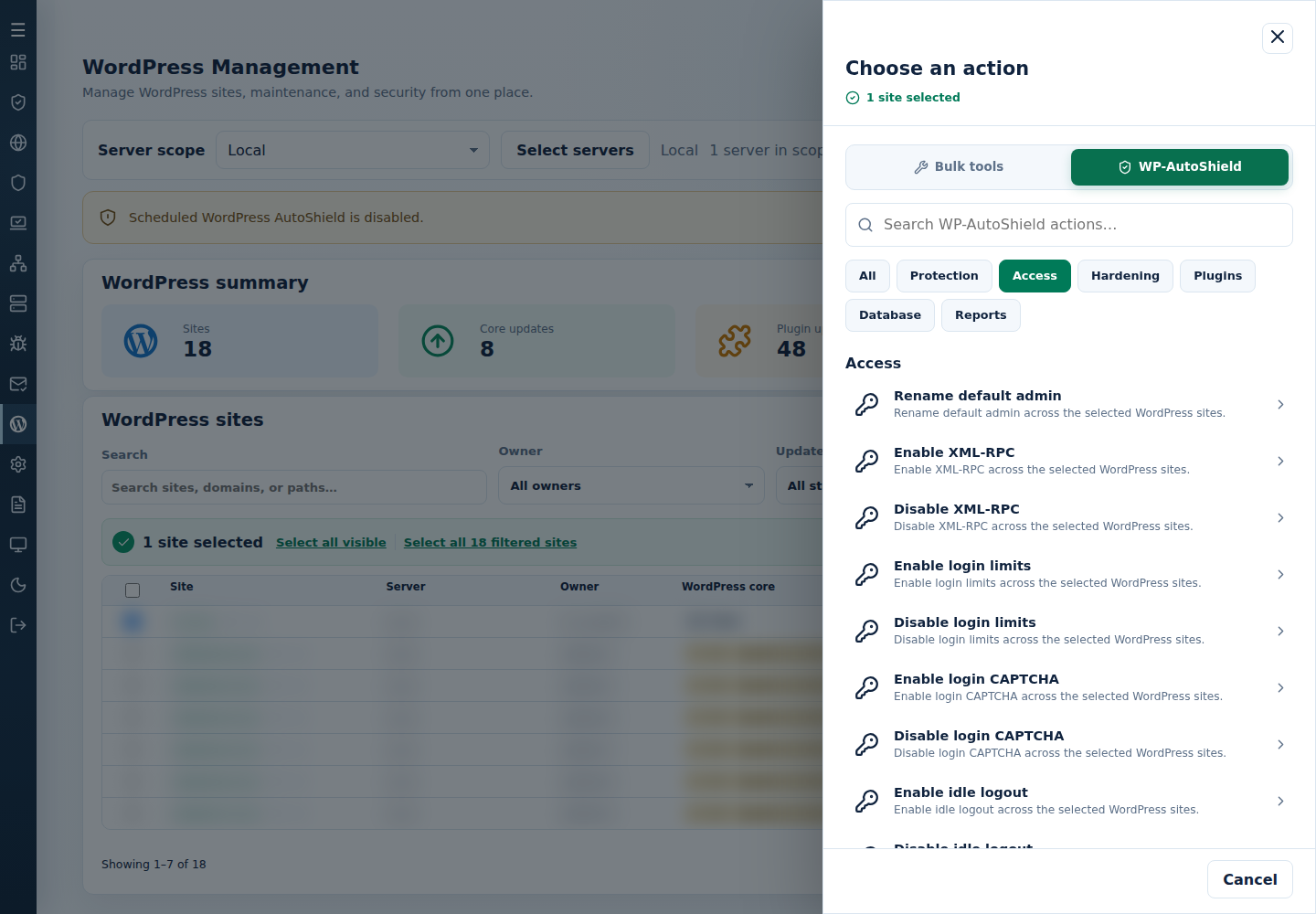
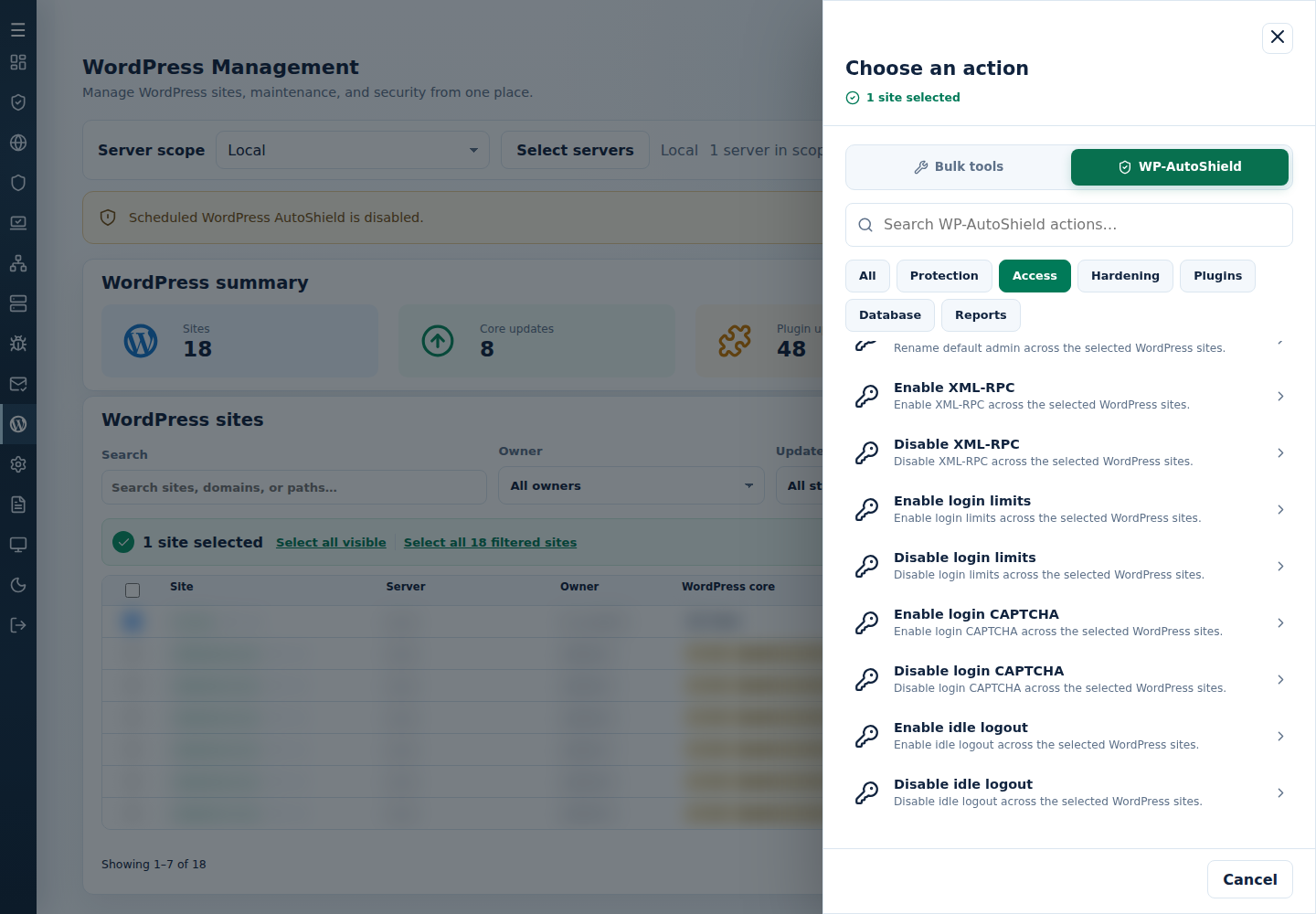
- Open Choose action → WP-AutoShield → Access, then choose the required action below.
- Review targets, confirm, and inspect each site’s result.
- Test login, password recovery and any affected integrations.
| Task | Current action and meaning |
|---|---|
| Restrict remote XML-RPC | Disable XML-RPC blocks the endpoint; Enable XML-RPC restores it for required integrations. |
| Limit failed logins | Enable login limits applies the supported repeated-login policy; Disable login limits reverses it. |
| Add WordPress CAPTCHA | Enable login CAPTCHA adds the math check to eligible authentication forms; Disable login CAPTCHA removes it. Hosted WAF CAPTCHA is separate. |
| End idle sessions | Enable idle logout applies the idle policy; Disable idle logout reverses it. The default is 120 minutes, with existing custom timeouts retained. |
| Replace the default login name | Rename default admin changes the default administrator identity. Record the resulting name and communicate it privately to the owner. |
Keep LiteSpeed login pages uncached when required for CAPTCHA. An XML-RPC exception does not disable all login protection.
Command-line method
Section titled “Command-line method”From a root terminal on the server hosting the sites, review /var/log/cpfenceav/wp-sites-list.txt, then use the required command below. These commands use that server’s listed installations, not checked WebUI rows. Read the inventory and confirmation prompts before proceeding.
| Protection | Enable | Disable |
|---|---|---|
| Math CAPTCHA on login, registration and lost-password forms | cpfence --bulk-enable-wp-captcha |
cpfence --bulk-disable-wp-captcha |
| Idle logout | cpfence --bulk-enable-wp-idle-logout |
cpfence --bulk-disable-wp-idle-logout |
| Limit Login | cpfence --bulk-enable-wp-limit-login |
cpfence --bulk-disable-wp-limit-login |
| XML-RPC access | cpfence --bulk-enable-wp-xmlrpc |
cpfence --bulk-disable-wp-xmlrpc |
To replace the default administrator login:
cpfence --bulk-rename-wp-adminCheck each site’s final output. Record new administrator usernames privately and share them with the site owners before their next login. Test login and recovery forms; check integrations after an XML-RPC change. If you temporarily disable Limit Login for troubleshooting, enable it again after maintenance. Combine it with idle logout where appropriate.
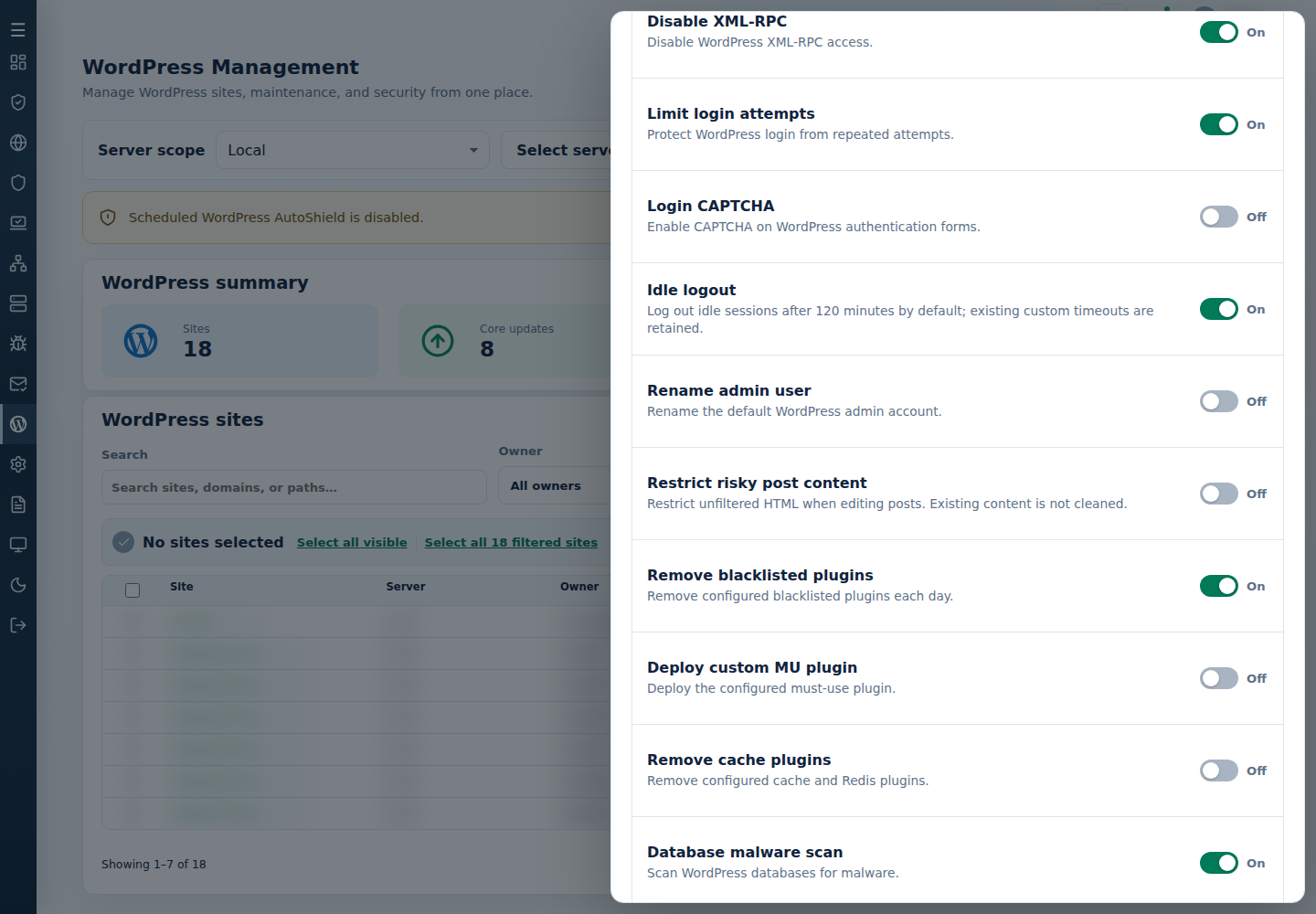
For a lasting CAPTCHA, idle-logout or XML-RPC exception, also review the daily child policy above. Keep other login protections enabled for sites that need XML-RPC access.