
Delete a WordPress user
- Select the intended sites.
- Open Choose action → Bulk tools → Users, then choose Delete user and reassign content or Delete user without reassignment.
- Enter the exact Login, email or numeric ID. An email can avoid IDs identifying different people on different sites.
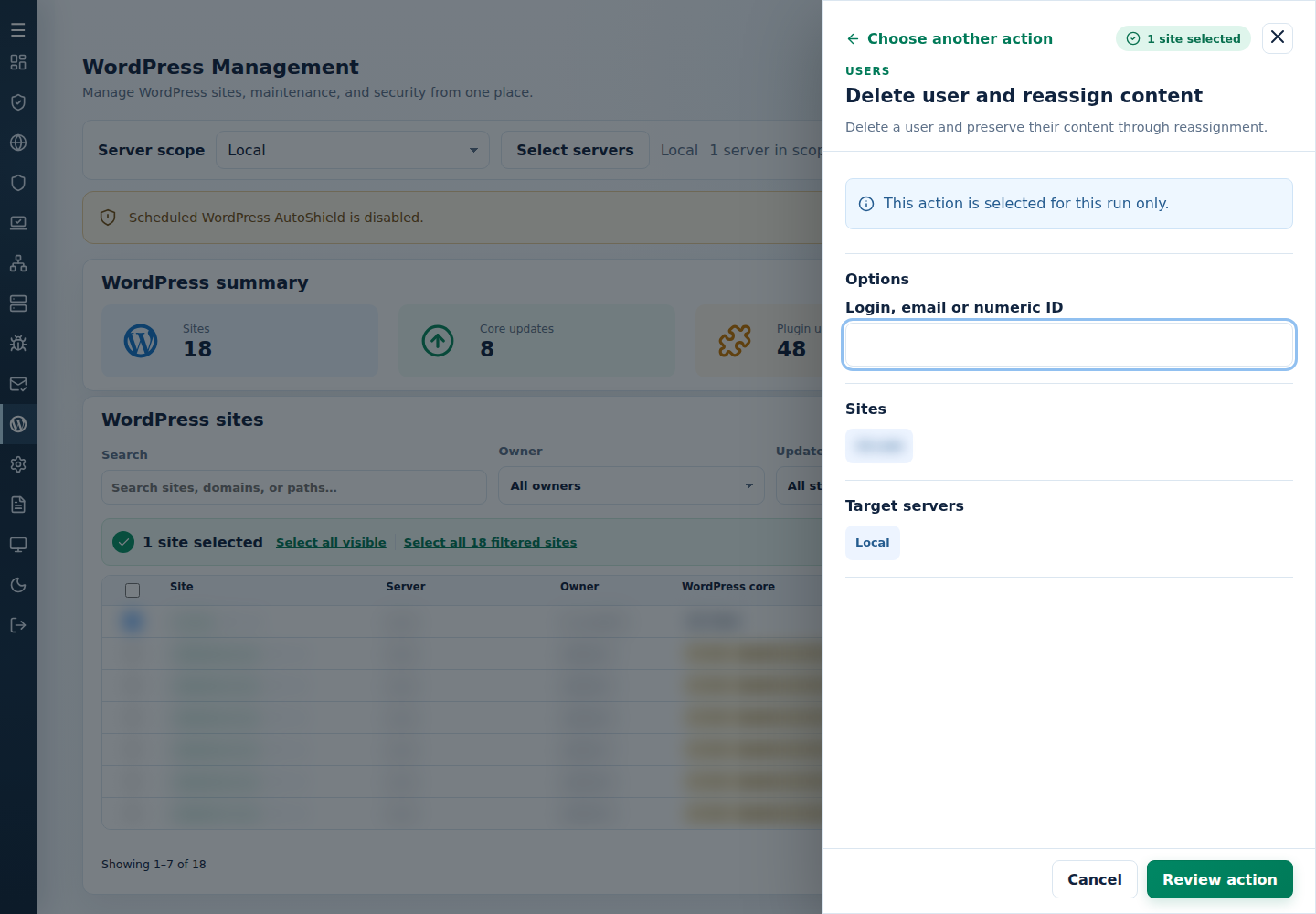
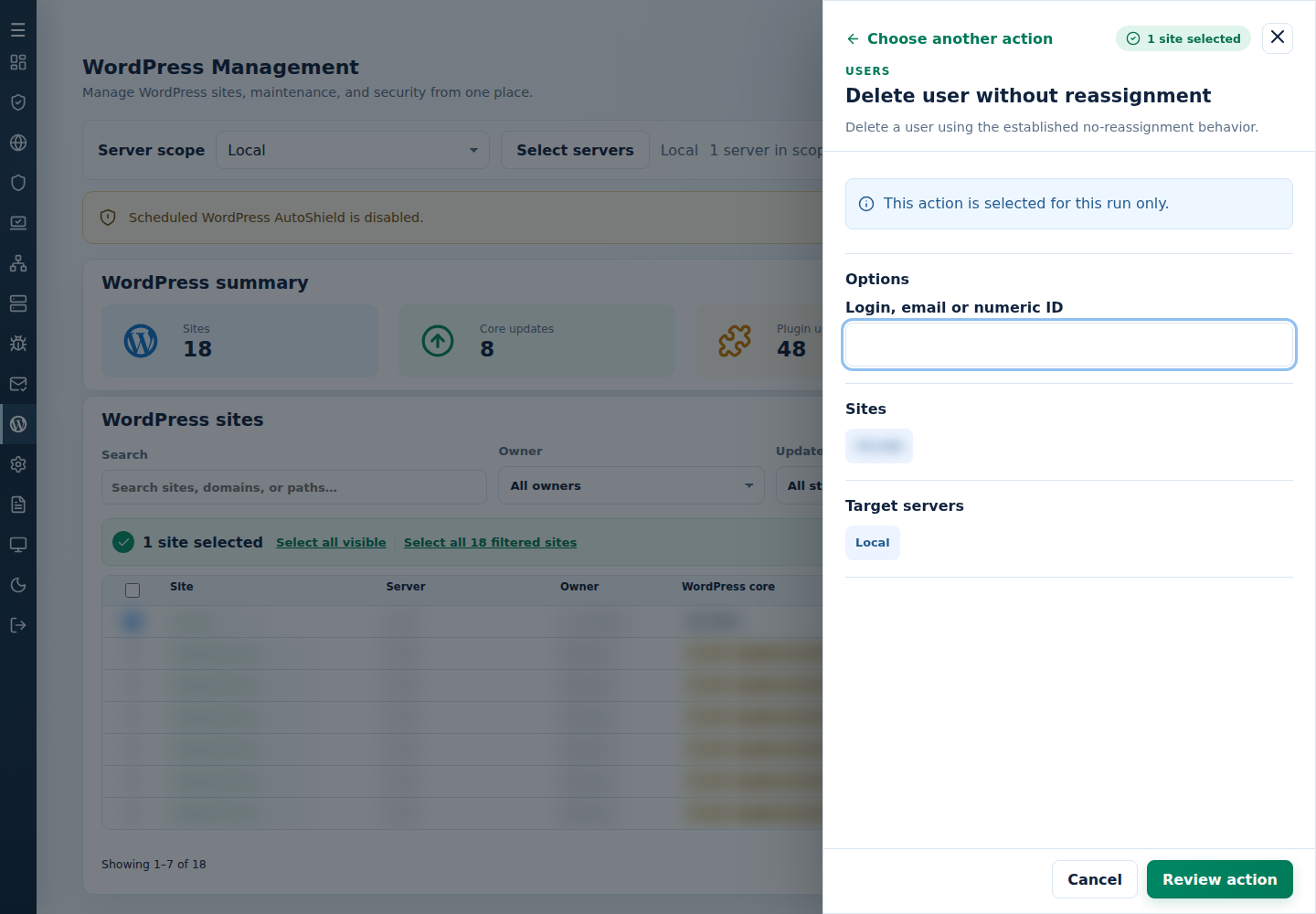
- Select Review action, check the deletion choice and targets, then confirm. Inspect every result and resulting accounts.
With reassignment, content goes to an available administrator; a site without a suitable administrator can be skipped. Inspect the recipient instead of assuming it is the same person everywhere.
Command-line method
Section titled “Command-line method”As root on the server hosting the sites, review /var/log/cpfenceav/wp-sites-list.txt first. These commands use its listed installations, not checked WebUI rows. Identify the exact account on each site; an email is usually safer than a numeric ID shared by different people on different installations.
For an interactive task, choose one command and enter the identifier when prompted:
| Choice | Command |
|---|---|
| Delete and reassign content | cpfence --bulk-delete-wp-user-reassign |
| Delete without reassignment | cpfence --bulk-delete-wp-user |
Check the inventory and deletion warning before confirming. Back up first and tell affected customers what will happen.
Delete and reassign content
Section titled “Delete and reassign content”For a reviewed non-interactive job:
Replace the example email with the confirmed account. This skips confirmation, removes the account and requests reassignment to the first available administrator on each site. Review the recipient and every final result; a site without an administrator can be skipped. Use user reports to check the remaining accounts.
Delete without reassignment
Section titled “Delete without reassignment”Only use this when the account and its associated content should be removed:
This also skips confirmation and can permanently delete associated content. Check the exact email, site list and usable backups before running it. If the wrong account was removed, recover from backup rather than assuming WordPress trash can restore everything.