
View blocked incoming email
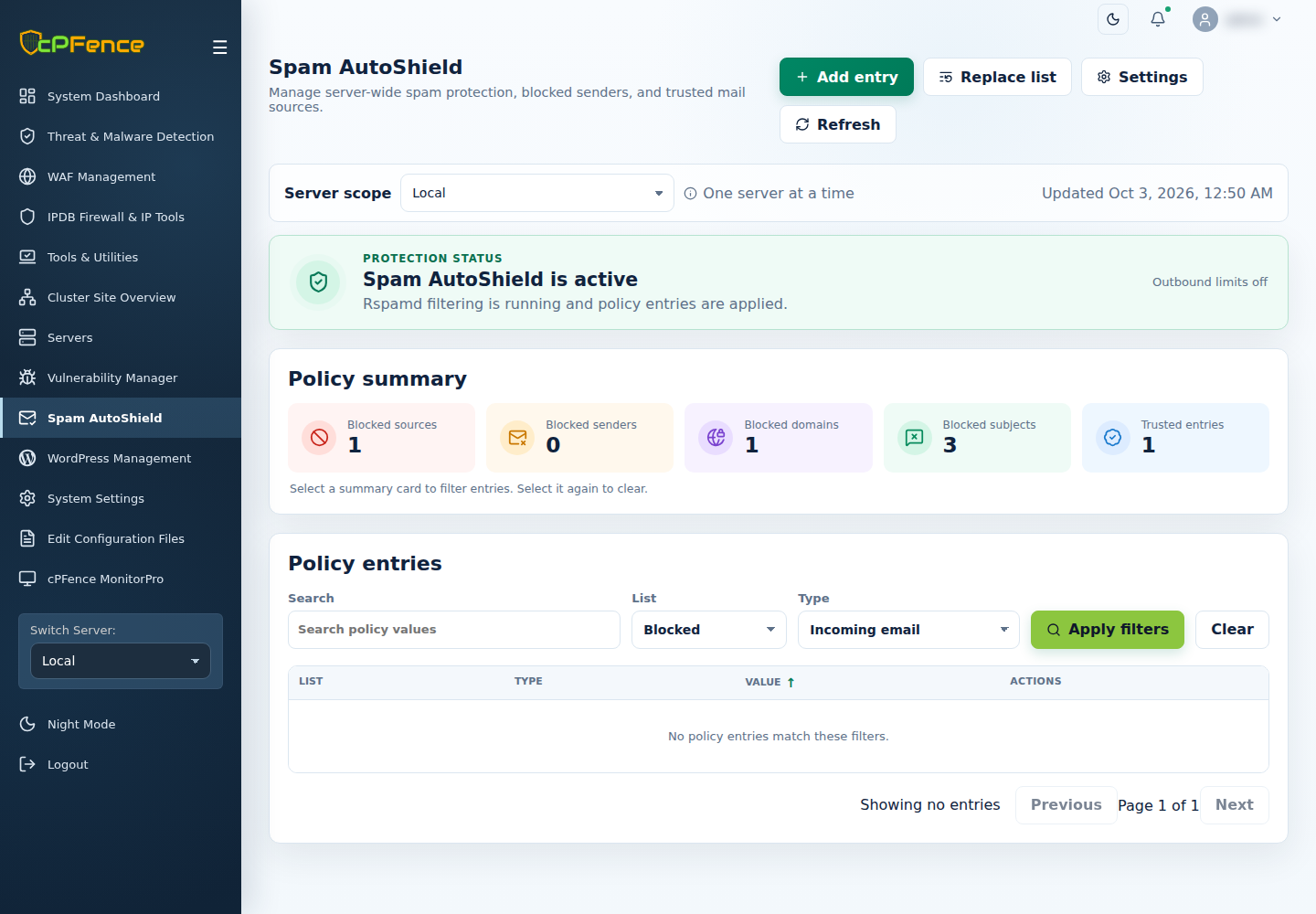
- Open Spam AutoShield and select the intended Server scope.
- Set List to Blocked and Type to Incoming email.
- Use Search to find the complete address, then select Apply filters. Inspect or copy the value.
- To unblock it, use that row’s Remove, review the server and confirm.
Incoming blocks affect messages from an external sender. A table filter does not choose mutation targets on other servers.
Use Block or unblock incoming email to add an entry. Manage these lists through Spam AutoShield controls rather than overwriting a managed map in the configuration editor.