
Troubleshoot a WAF that is not working
Use these checks when cPFence v4+ WAF behavior is unexpected.
- Check the affected request and note its URL/time. A single result does not prove universal coverage.
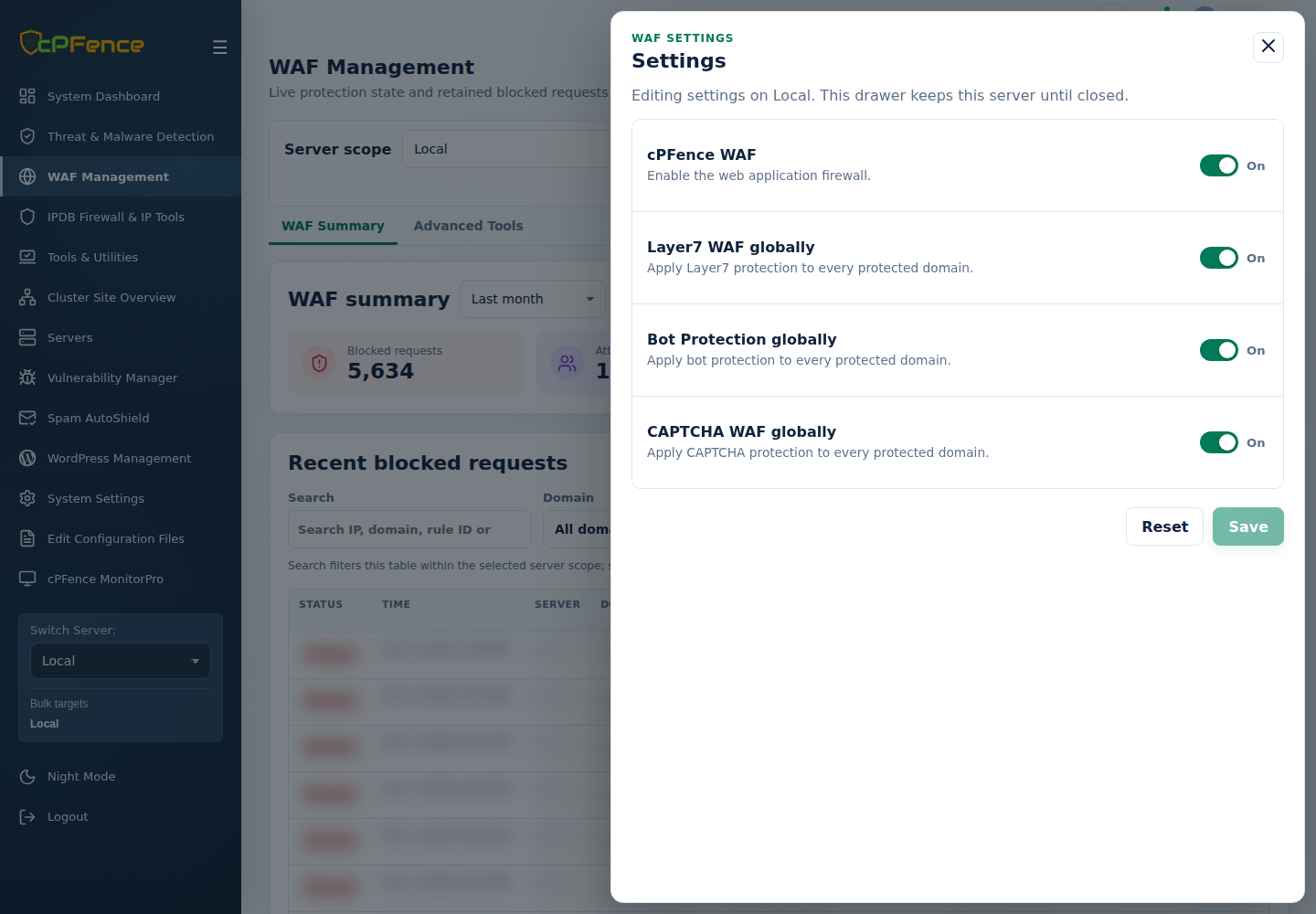
- In WAF Management, confirm the correct server, WAF master, global switches, domain settings and disabled-rule exceptions.
- Review current WAF events and the relevant web-server error log as root:
| Server | Read recent errors |
|---|---|
| LiteSpeed / OpenLiteSpeed | tail -n 50 /usr/local/lsws/logs/error.log |
| Apache | tail -n 50 /var/log/apache2/error.log |
| Nginx | tail -n 50 /var/log/nginx/error.log |
- Resolve the reported configuration or service error. If protection needs reapplying, deliberately use the supported WAF enable control on that server and read its validation/reload result.
- Check the request again; if it remains unexpected, contact support with the event and exact engine version.
See custom WAF rules and engine qualifications.