
Install the required WordPress plugin bundle
- Choose the intended servers and sites. Start with one installation.
- Inspect Required plugin bundle in Edit Configuration Files. Preserve other entries and save any intended edits before opening the action.
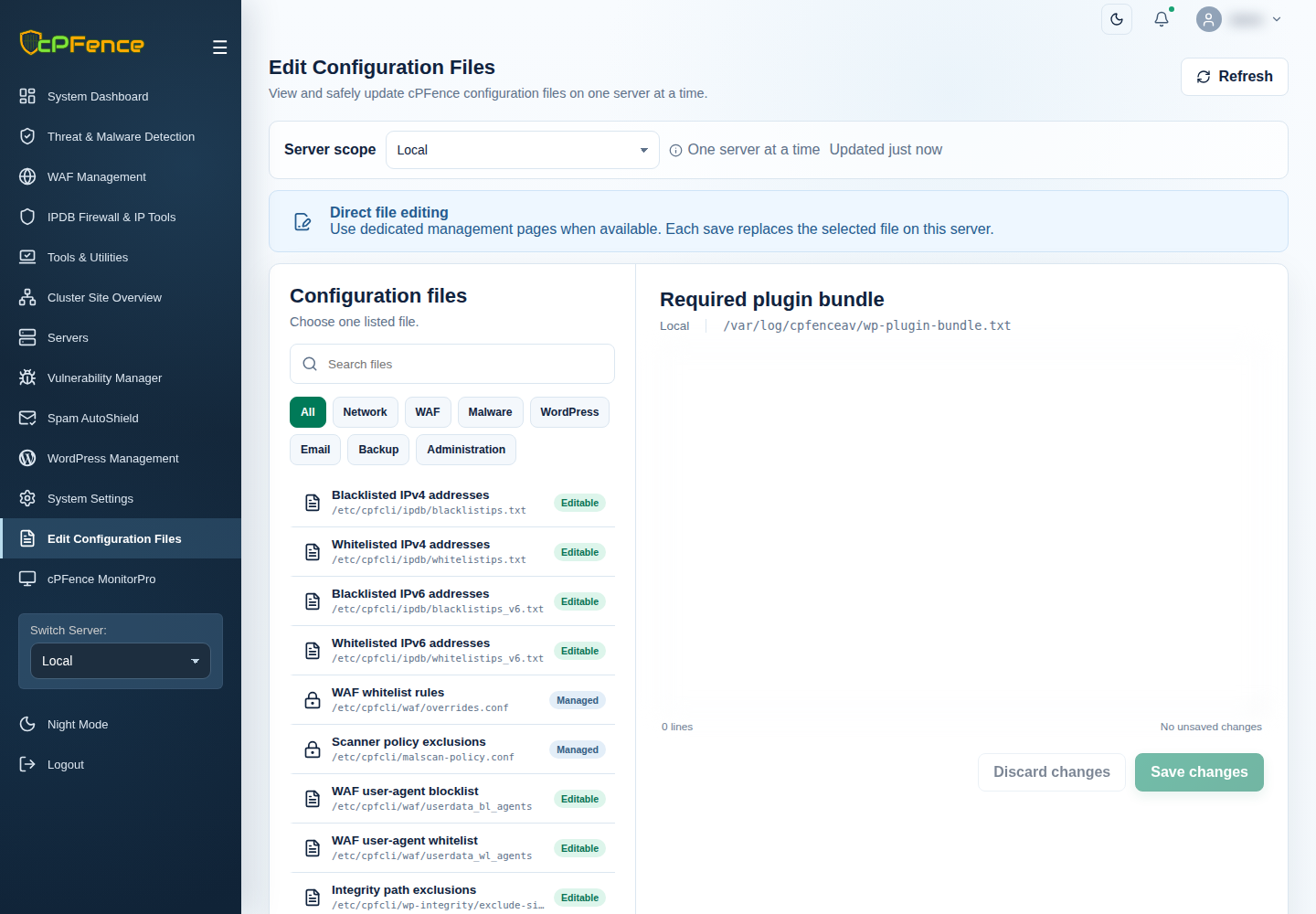
- Open Choose action → Bulk tools → Plugins → Install plugin bundle.
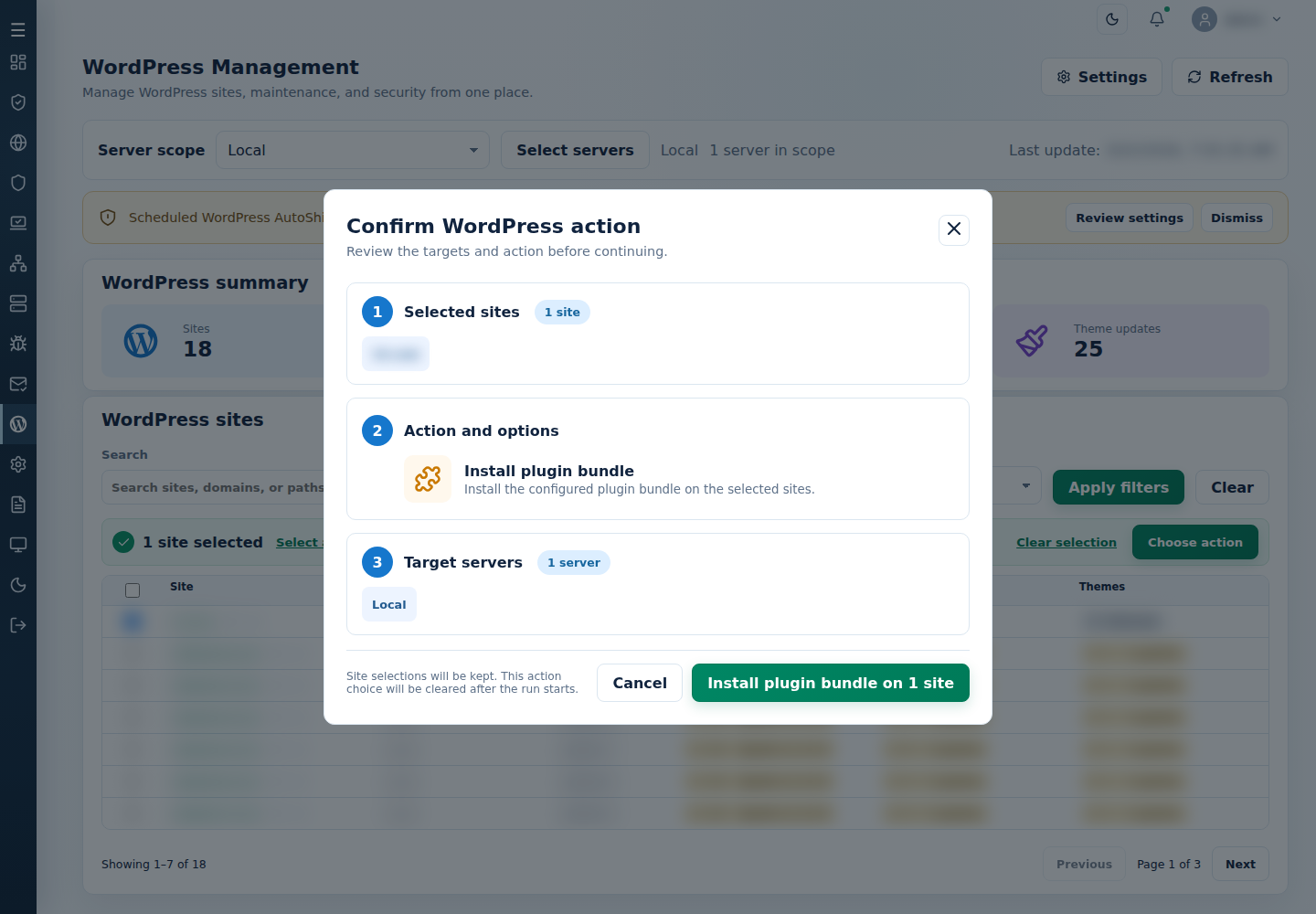
- Review the action and targets, then confirm. Read every site’s final result, including skips. Finished can include failed sites; see Read the outcome.
The configured bundle is installed on the selected sites. Check installation and activation per site, plus disk space and reported PHP requirements for failures.
Command-line method
Section titled “Command-line method”From a root terminal on the server hosting the sites, review /var/log/cpfenceav/wp-plugin-bundle.txt. Keep one repository plugin slug per line and update the list before running:
cpfence --bulk-install-plugin-bundleCheck /var/log/cpfenceav/wp-sites-list.txt and the inventory confirmation. This method uses that server’s listed installations, not the checked WebUI rows. An empty or missing bundle list does not install anything.
The command installs and activates the listed plugins, replacing existing plugin files where needed. Keep a usable backup and any customizations first. Read each site’s final output and check activation and site health; a failure on one site needs its own follow-up.
For recurring deployment, use the Required plugin bundle AutoShield setting described above. Keep its list deliberate; removing a slug from the list does not uninstall that plugin.