
Block a Tor exit-node list
To block Tor exit nodes in cPFence v4+, use a reviewed address list rather than treating Tor as a country.
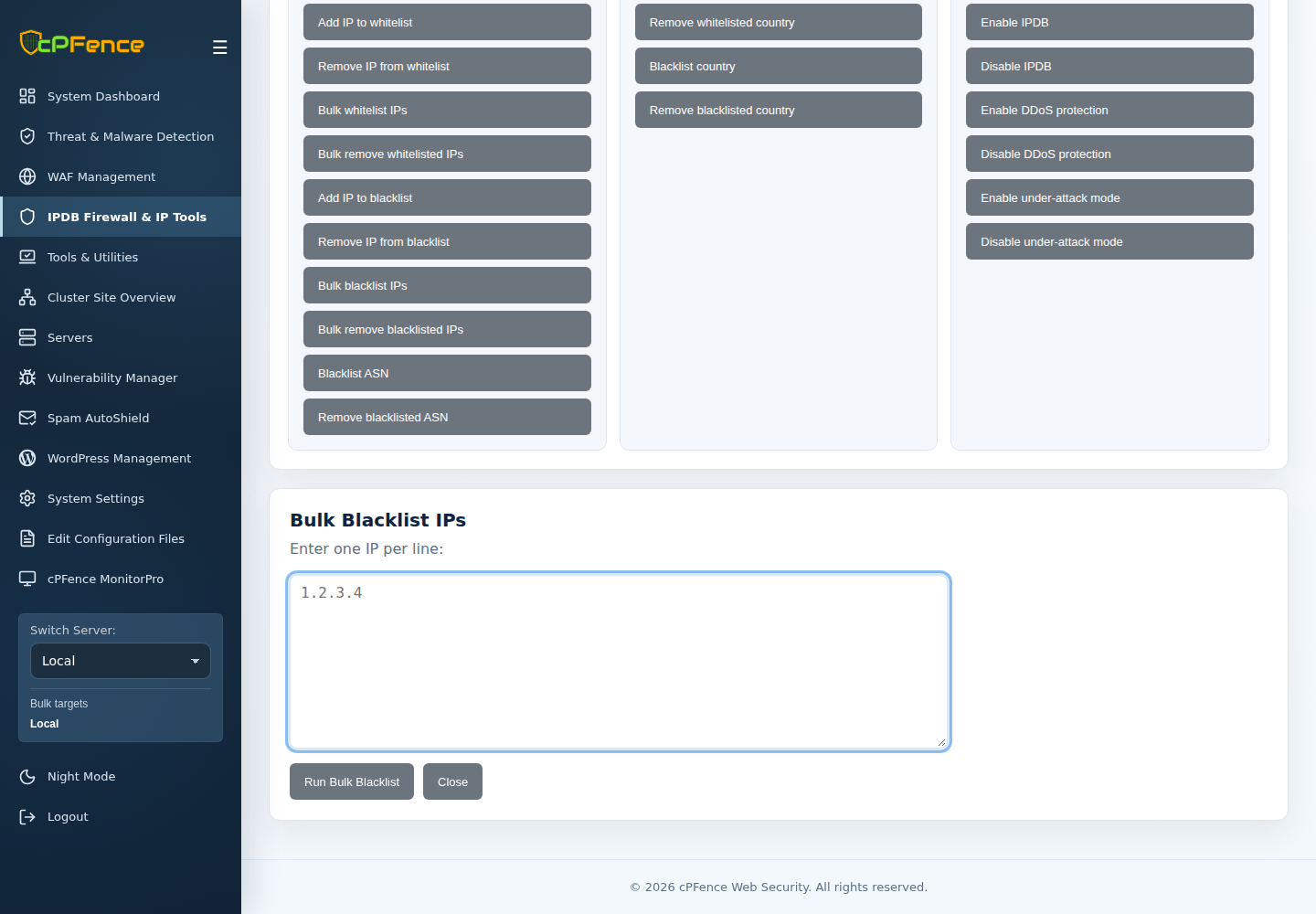
- Obtain a current plain-text exit-node list from a source you trust. Check its contents and keep a dated local copy.
- Open IPDB Firewall & IP Tools → Advanced Tools → Bulk blacklist IPs.
- Check the sidebar targets, paste the reviewed addresses one per line, and confirm. Use the CLI below for a local file.
- Read each result and verify current policy. Use Bulk remove blacklisted IPs with the saved list to remove your entries later.
A root administrator can use cpfence --bulk-blacklist-ip /root/tor-exits.txt and cpfence --bulk-del-bl-ip /root/tor-exits.txt on the target server.