
Change Layer7 protection globally
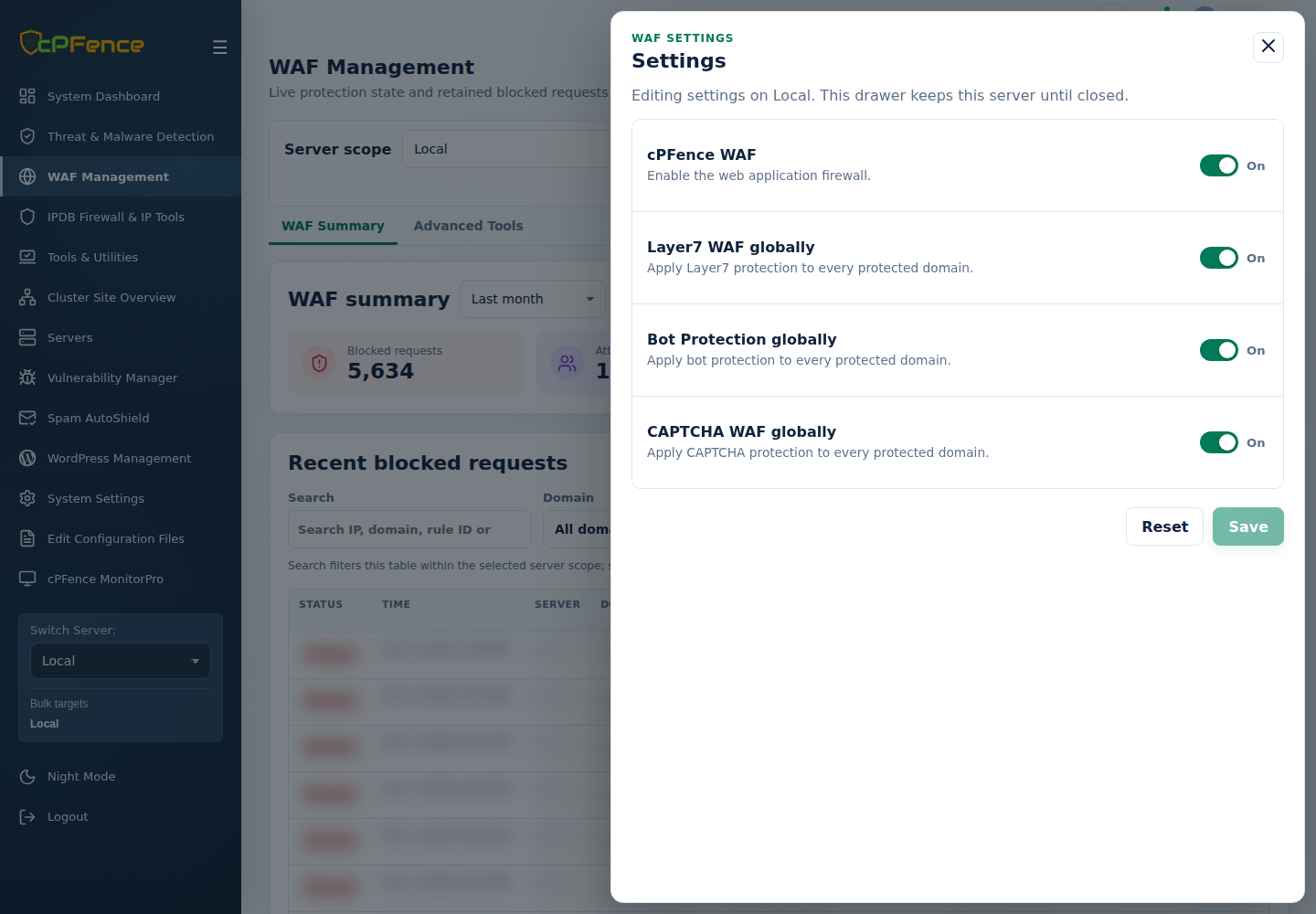
- In cPFence v4+ WAF Management, choose one server and open Settings.
- Set Layer7 WAF globally, then Save.
- Confirm the saved value and review legitimate traffic.
For several servers, use the named global Layer7 action in Advanced Tools, checking sidebar targets and every result. Support users need global-protection permission.
As root on the target server:
| Action | Command |
|---|---|
| Enable globally | cpfence --enable-layer7-waf-global |
| Disable globally | cpfence --disable-layer7-waf-global |
Keep the WAF master enabled and review engine/request-type limitations.