
Temporarily pause protection
Use this when troubleshooting requires a particular protection feature to be paused. Keep root access and choose the affected server deliberately.
Back up, pause, and restore
Section titled “Back up, pause, and restore”-
Save the current settings and note the reported archive filename:
Terminal window cpfence --backup-cpf-settings -
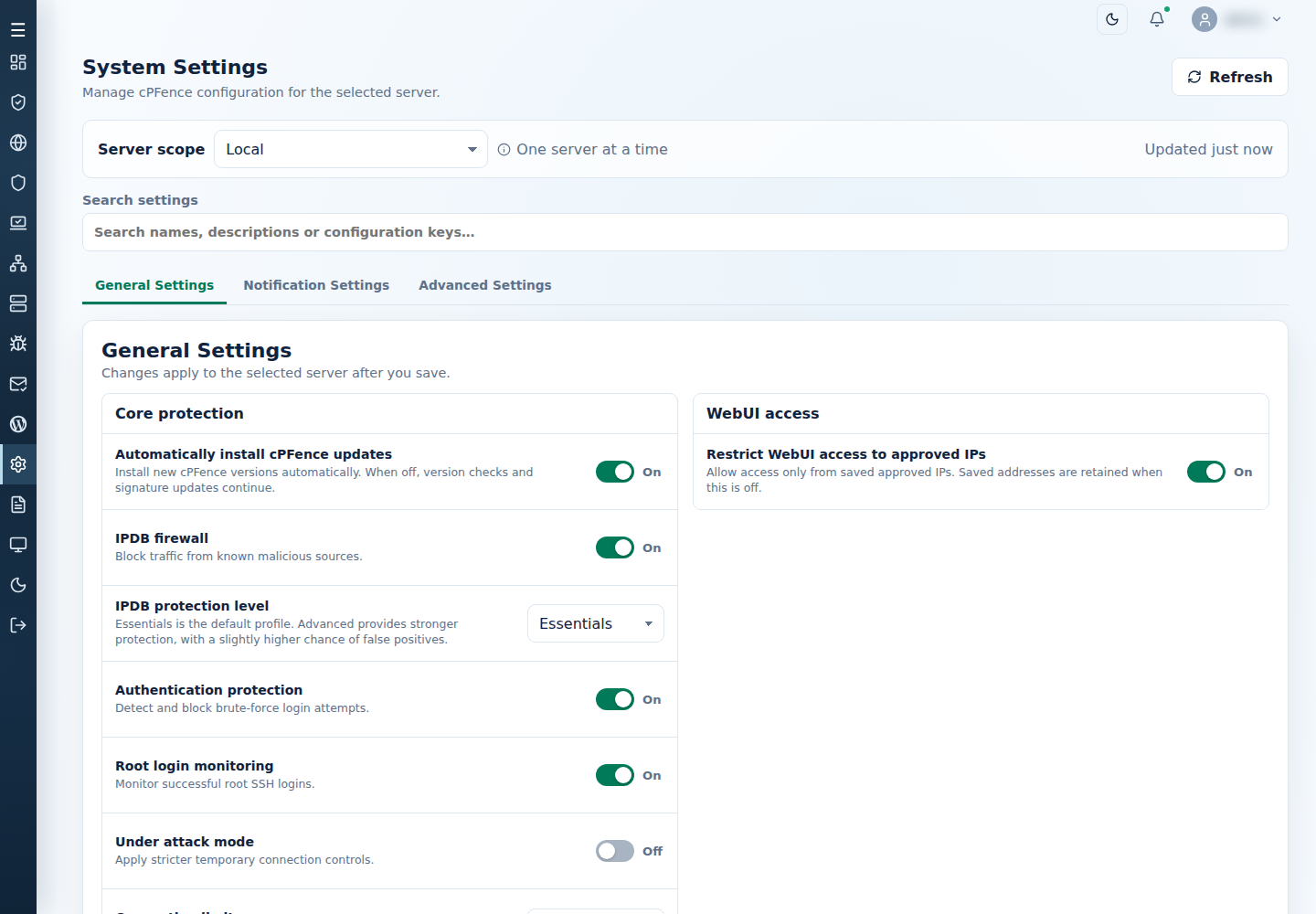
In System Settings, choose the server and turn Off only the module masters needed for the investigation. Save each group and check
cpfence --status. Use the feature’s own disable command when working from the terminal. -
After the investigation, restore the saved archive:
Terminal window cpfence --restore-cpf-settings cpfence_backup_YYYYMMDDHHMMSS.tar.gzUse your actual filename. Verify the previous protection choices and website health.
A restore can start or stop protection according to the saved settings. If it fails, retain the archive and follow settings recovery.