
Manage IPv6 access policies
cPFence v4+ IPDB supports IPv6 addresses and CIDRs alongside IPv4. Available country policies include both address families.
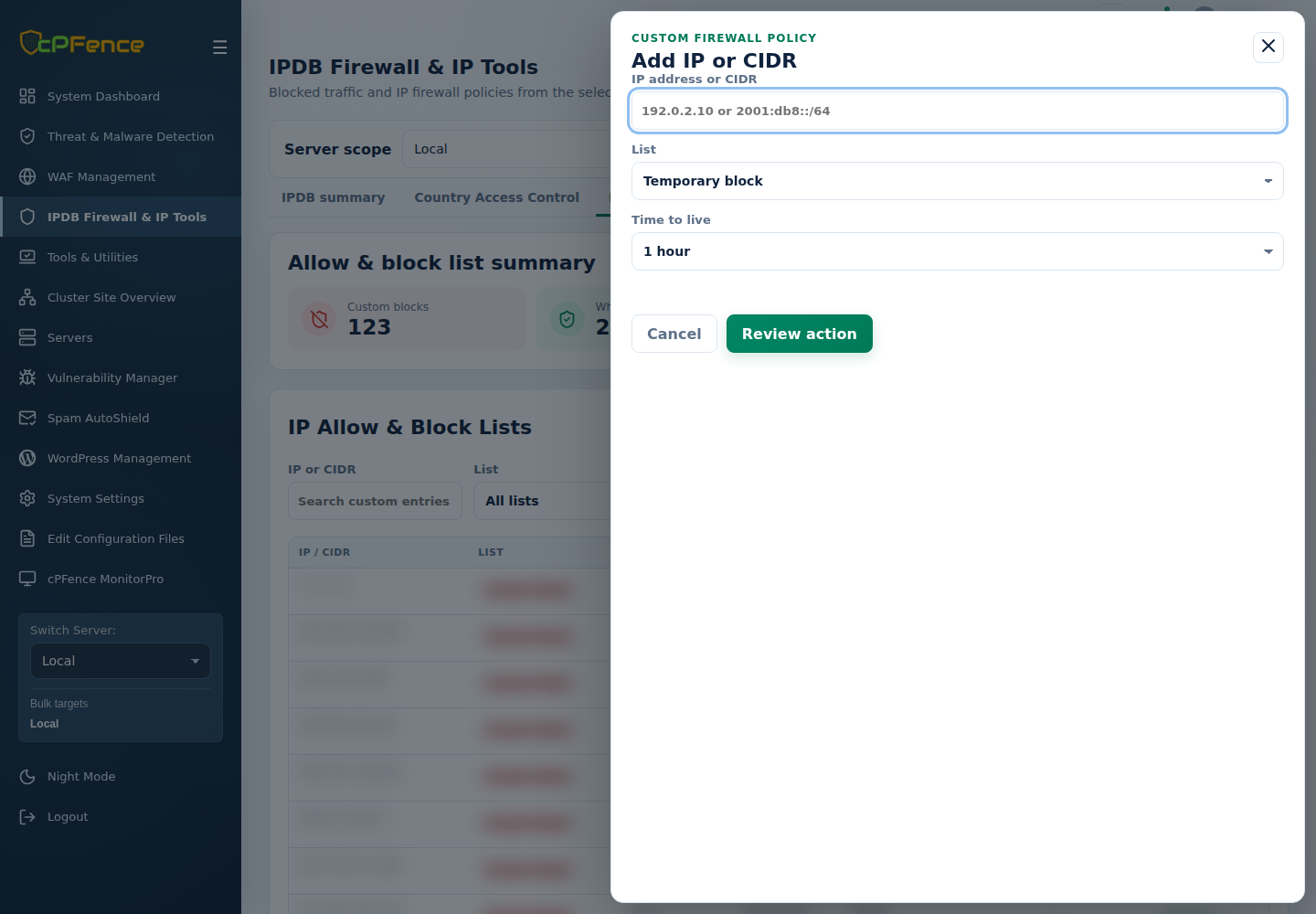
- Open IPDB Firewall & IP Tools → IP Allow & Block Lists.
- Use IP version to find IPv6 entries, or add the intended IPv6 address/CIDR with Add IP or CIDR.
- Review the server and policy before confirming.
- Check the address and verify the intended IPv6 connection.
The same add/remove CLI commands accept either family. For example, as root:
| Action | Command |
|---|---|
| Add to whitelist | cpfence --add-whitelist-ip 2001:db8::10 |
| Remove from whitelist | cpfence --del-whitelist-ip 2001:db8::10 |
Replace the documentation address. For file editing, choose the correct IPv4/IPv6 list in Edit Configuration Files.