
Why is some traffic not blocked?
cPFence v4+ does not classify every connection as an attack. A source may be below the concurrent-connection limit, whitelisted, behind a proxy or using short-lived connections.
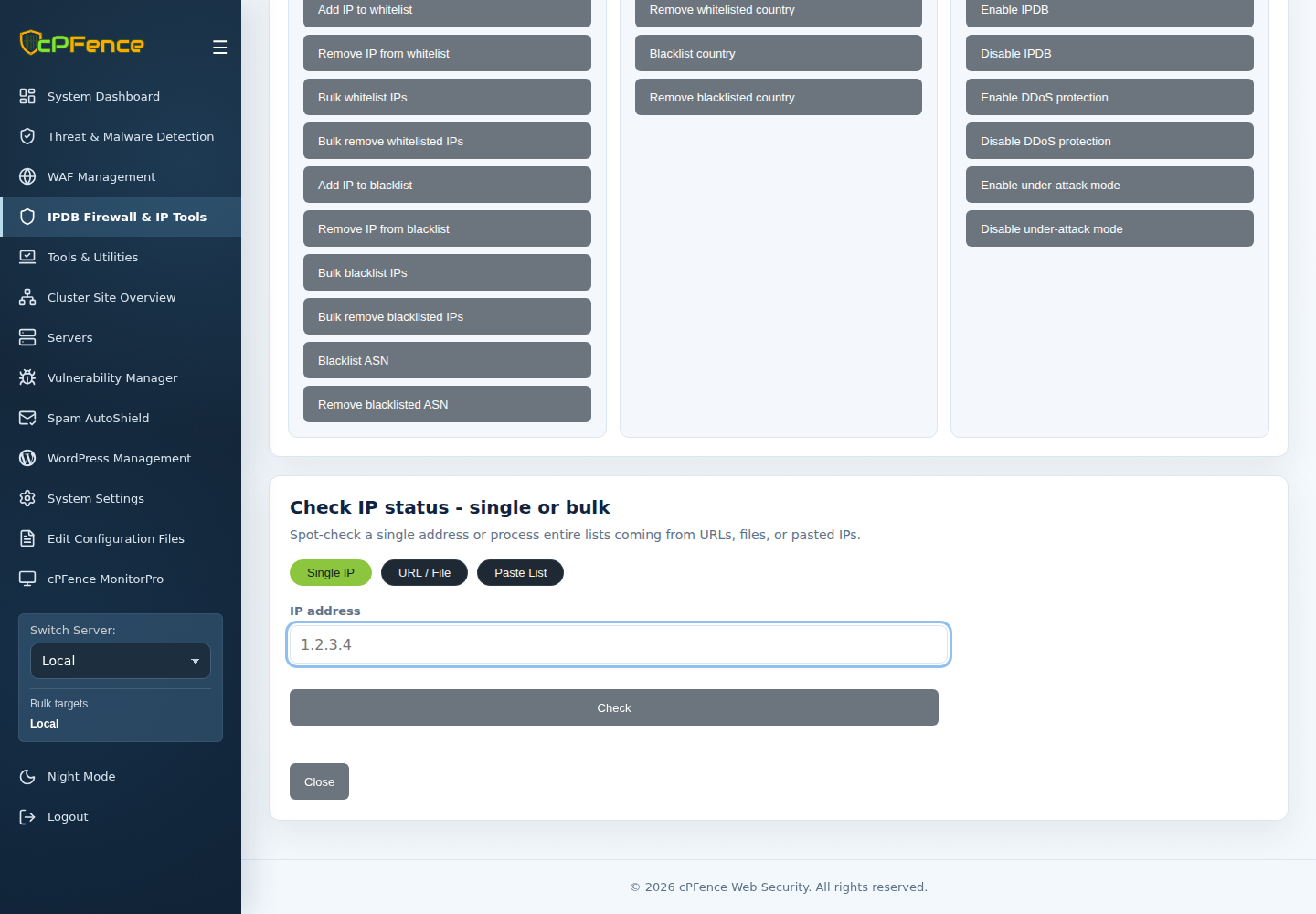
- Check the IP and compare current policy with incident history.
- Review the configured Connection limit and proxy behavior.
- If an account is consuming excessive resources, review its workload in Owl and LogSpot.
- Set suitable account CPU and memory limits in Enhance based on observed usage, and use the relevant Owl account policy when needed.
Use a specific block only after verifying the source and consequence. Preserve legitimate client, CDN and administrator access. See IPDB policies for controlled changes and recovery.