
List WordPress users by role
- Choose the intended servers and sites. Start with one installation.
- Open Choose action → Bulk tools → Users → List WordPress users.
- Choose All roles or one role in Role.
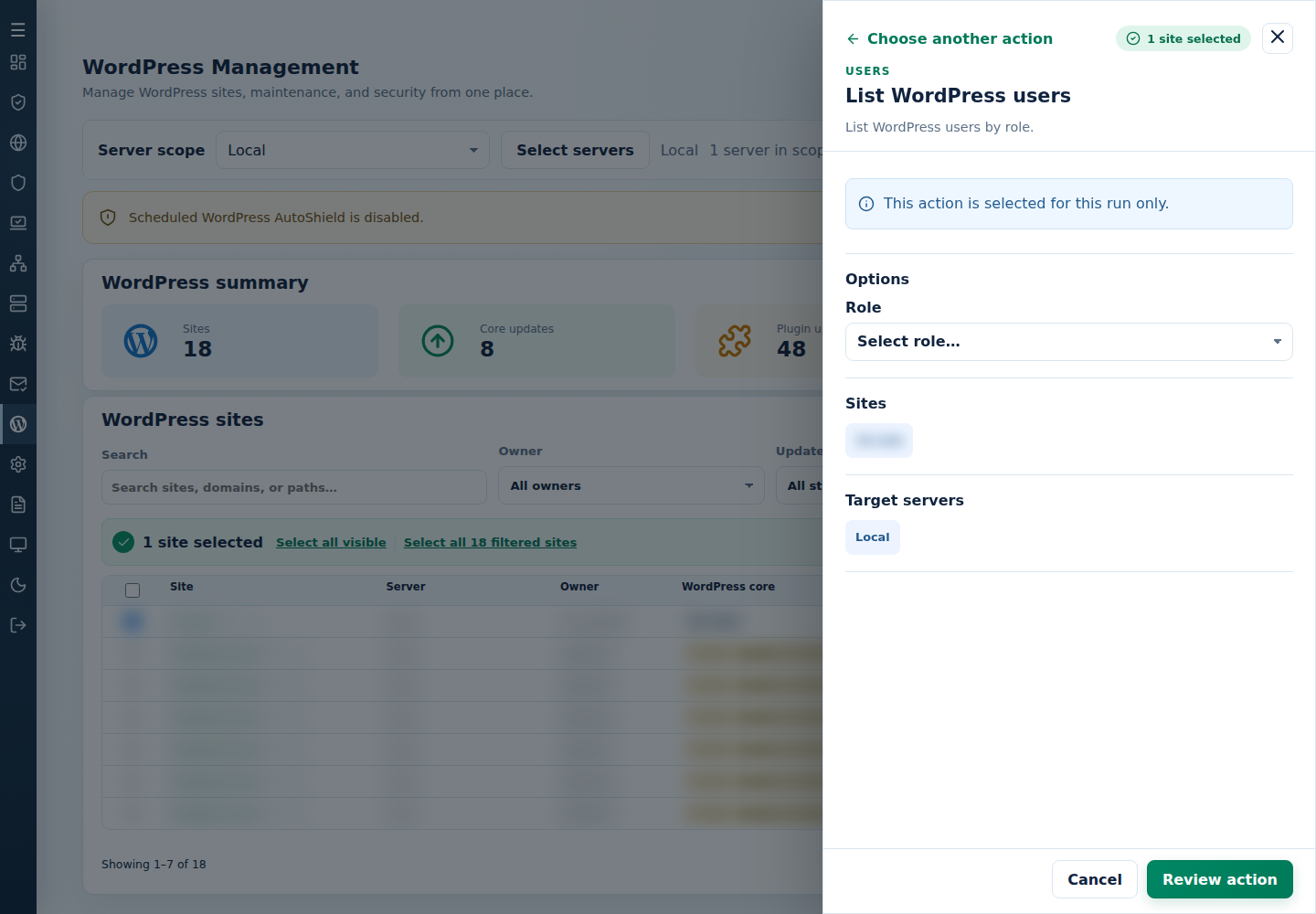
- Review the action and targets, then confirm. Read every site’s final result, including skips. Finished can include failed sites; see Read the outcome.
Review the per-site report before account deletion or password changes. Export only to authorized recipients; account identity information is sensitive. Inspect the recorded output location rather than assuming every server writes the same downloadable file.
Command-line method
Section titled “Command-line method”From a root terminal on the server hosting the sites, run the interactive method and choose the role when prompted:
cpfence --bulk-list-wp-usersReview /var/log/cpfenceav/wp-sites-list.txt and the inventory first. The CLI uses this server’s listed installations, not the checked WebUI rows.
To list administrators without confirmation:
cpfence --bulk-list-wp-users-auto administratorReplace administrator with another role, or use all:
cpfence --bulk-list-wp-users-auto allThe success output is recorded in /var/log/wordpress-users-list-success.log, with per-site CSV results. Inspect errors separately rather than treating the report as proof that every site succeeded. Use it before mass password resets or account cleanup, and share account information only with authorized recipients.