
Monitor an extra domain or subdomain
MonitorPro can check domains beyond the sites discovered from Enhance, including extra subdomains and externally hosted sites.
For cPFence v4+ on Enhance, start with Local, the main control panel server: MonitorPro automatically imports your cluster’s domains from Enhance there. Secondary servers are optional additional monitoring locations; add custom targets on the server that will check them. Support users need access to that server and Manage MonitorPro sites and settings. Running a check also needs Run and stop MonitorPro checks.
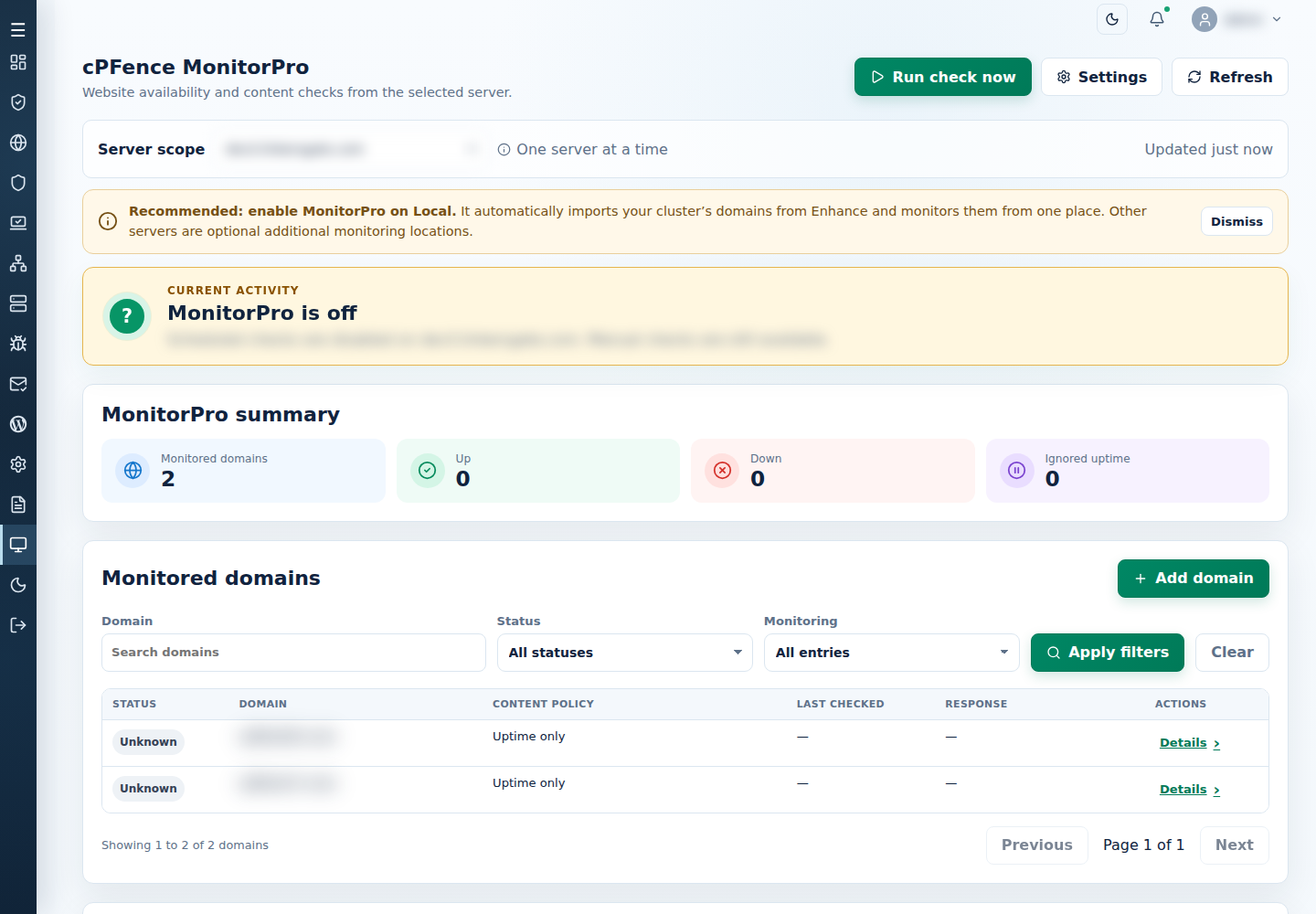
- Open MonitorPro and choose the checking Server scope.
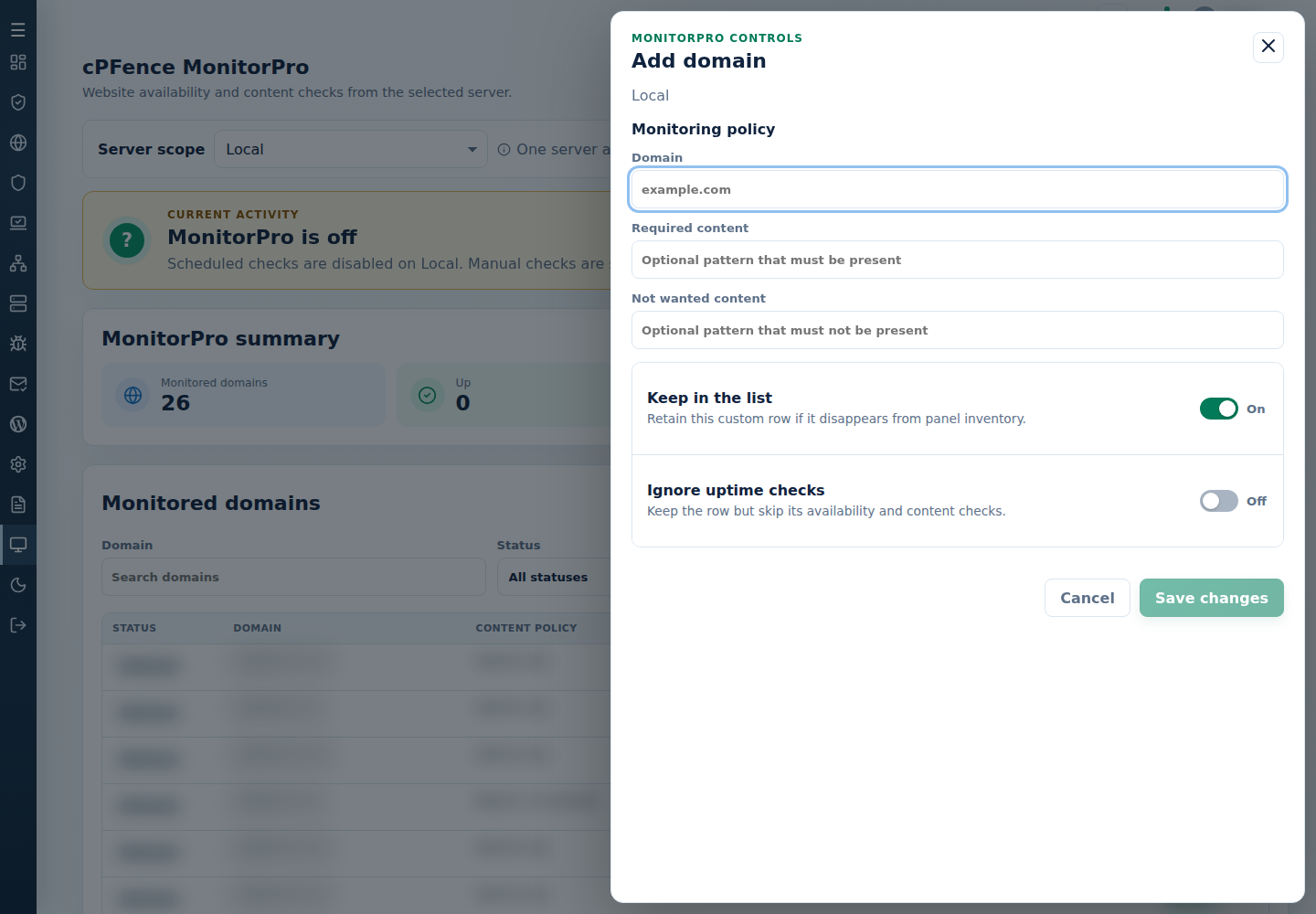
- Select Add domain and enter the domain name, such as
example.com. - Optionally set Required content and Not wanted content.
- Leave Keep in the list on for a custom target and Ignore uptime checks off.
- Select Save changes and check the saved row. Use Run check now when you are ready to check it, then inspect the completed result.
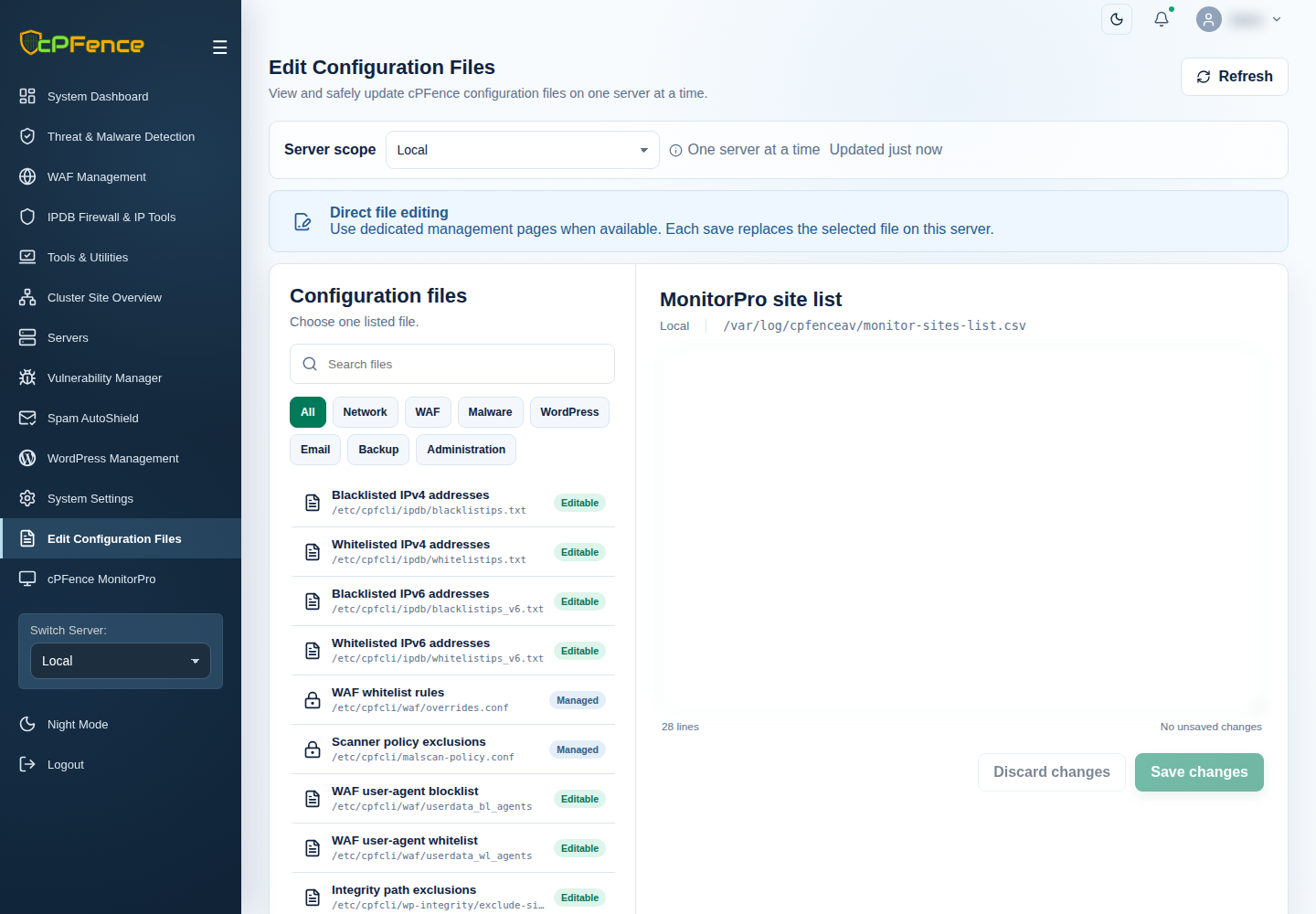
For bulk entries, the MonitorPro site list CSV in Edit Configuration Files uses five fields: domain, required content, unwanted content, keep, ignore. A basic retained target is example.com,,,Yes,. Preserve existing rows and the five-field format when editing.
See content patterns and check outcomes. An accepted edit is not a completed availability check.