
Why does a whitelisted IP still appear in statistics?
Adding a whitelist in cPFence v4+ changes policy; it does not erase earlier incidents.
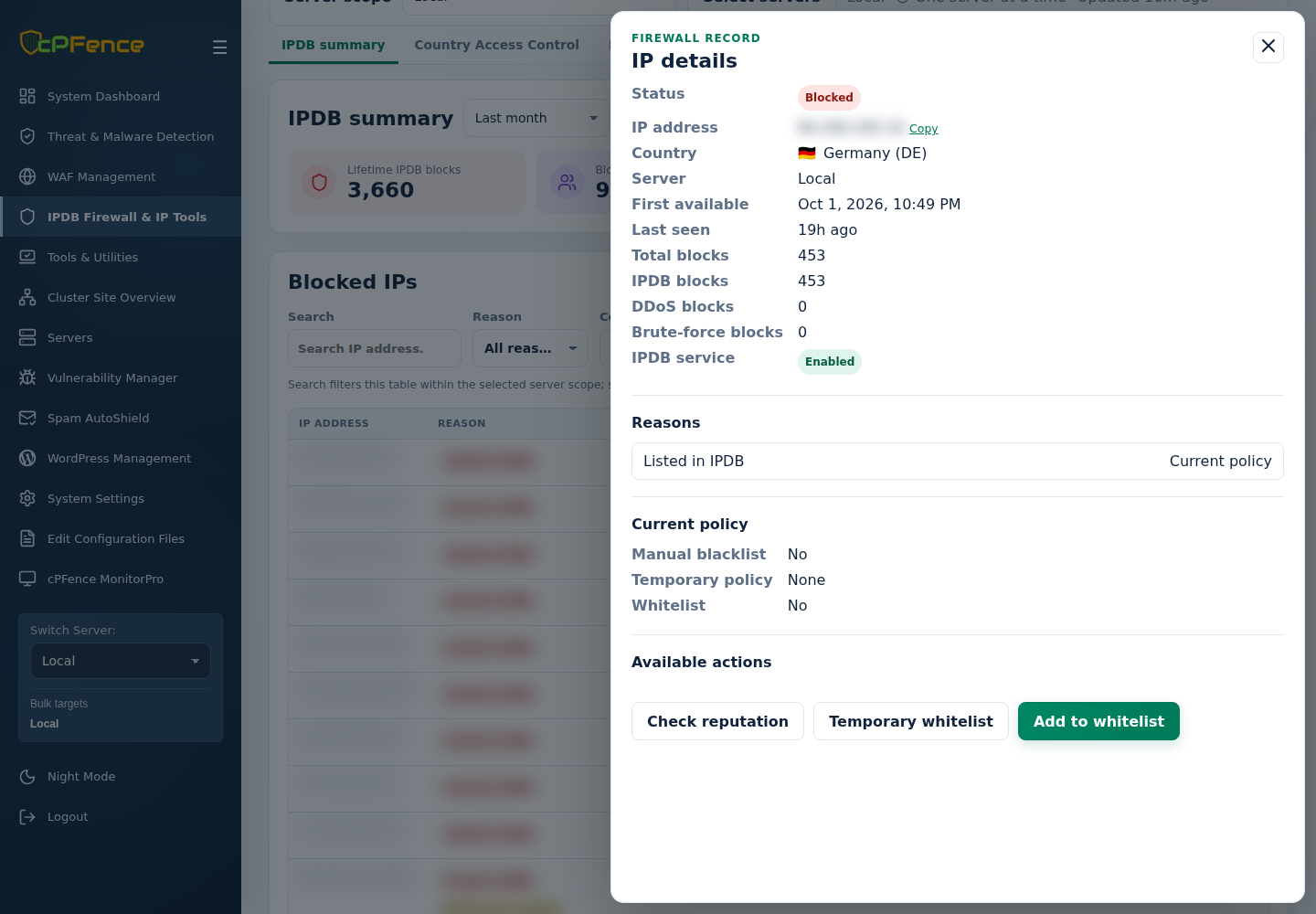
- Open IPDB summary and find the address.
- Open Details and compare the incident time with the whitelist change.
- Check Current policy and expiry, then Refresh.
- Test the intended connection. Another policy can still affect access.
If a fresh incident still affects the connection, follow investigate an IP block.