
Enable or disable the WAF
cPFence v4+ manages WAF protection for the supported web server on the target.
Using the WebUI
Section titled “Using the WebUI”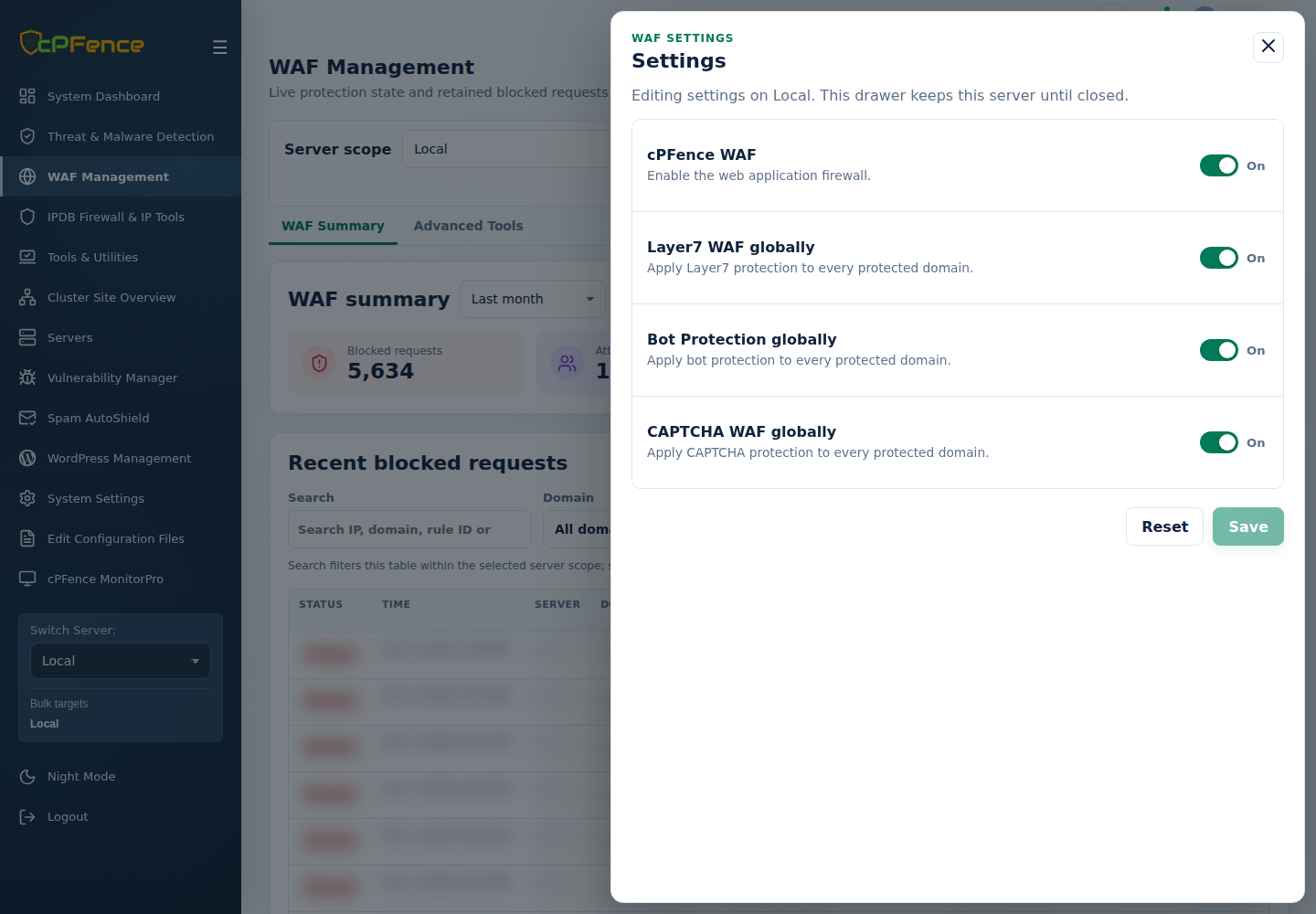
- Open WAF Management, choose one server and click Settings.
- Set cPFence WAF, then Save.
- Confirm the saved state and check current requests and errors.
For several servers, use the global WAF enable/disable action under Advanced Tools. Check the sidebar targets and each result. Support users need global-protection permission.
Using the CLI
Section titled “Using the CLI”Run as root on the licensed target server:
| Action | Command |
|---|---|
| Enable WAF | cpfence --enable-cpf-waf |
| Disable WAF | cpfence --disable-cpf-waf |
See domain settings and engine limits and check WAF protection.