Check the installed cPFence version
Use the CLI or WebUI to check which cPFence version is installed. WebUI users need permission for the version tool and access to the selected servers.
From the terminal
Section titled “From the terminal”cpfence --versionThis displays the installed version. To check for an available update separately, run:
cpfence --check-updatesFrom the WebUI
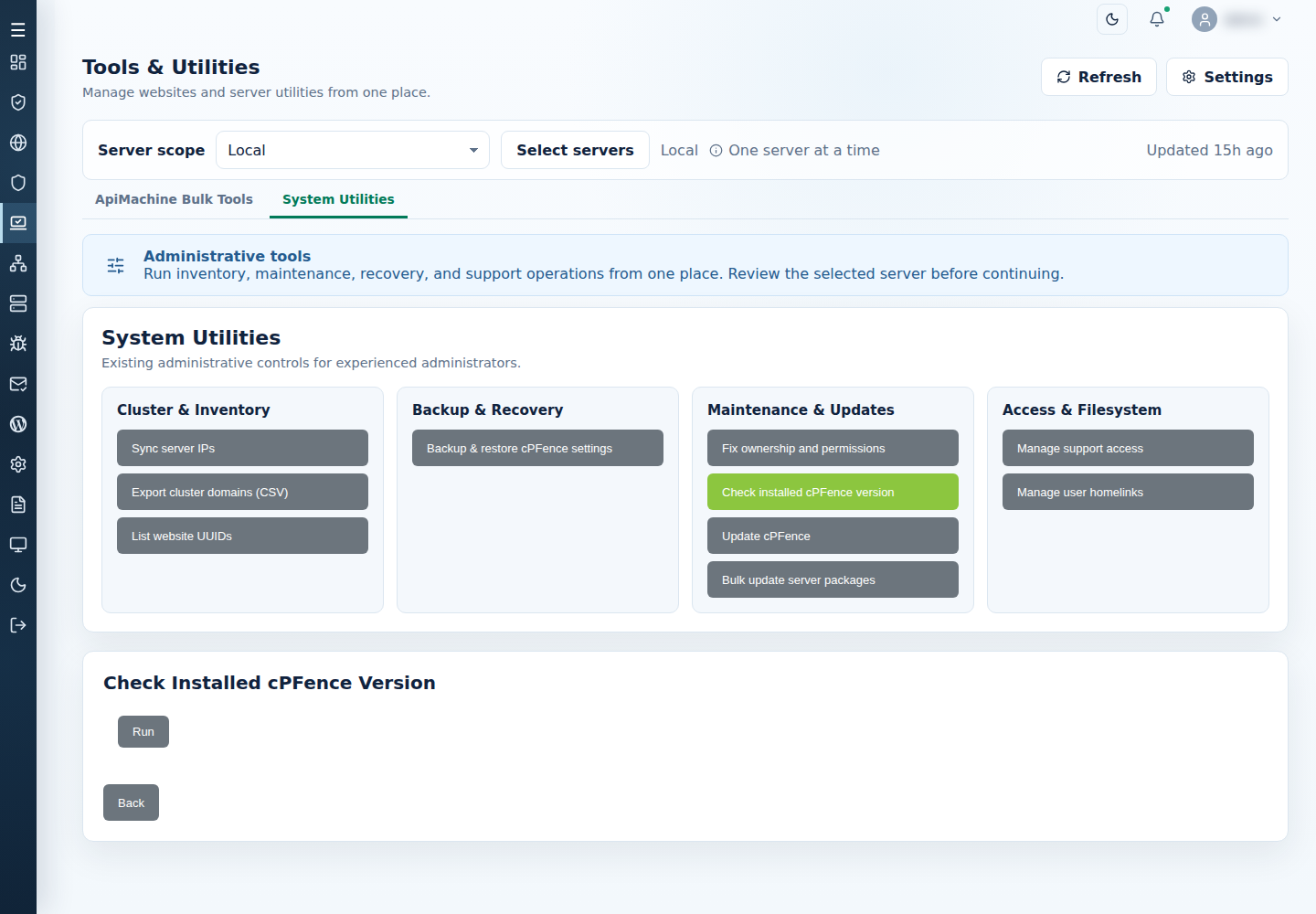
Section titled “From the WebUI”- Open Tools & Utilities → System Utilities.
- Choose one server, All Servers, or the intended subset.
- Open Check installed cPFence version and select Run.
- Read each server’s version and any unavailable-server error.