
Add or edit CAPTCHA-protected URLs
cPFence v4+ CAPTCHA uses a server-level list of protected URL paths.
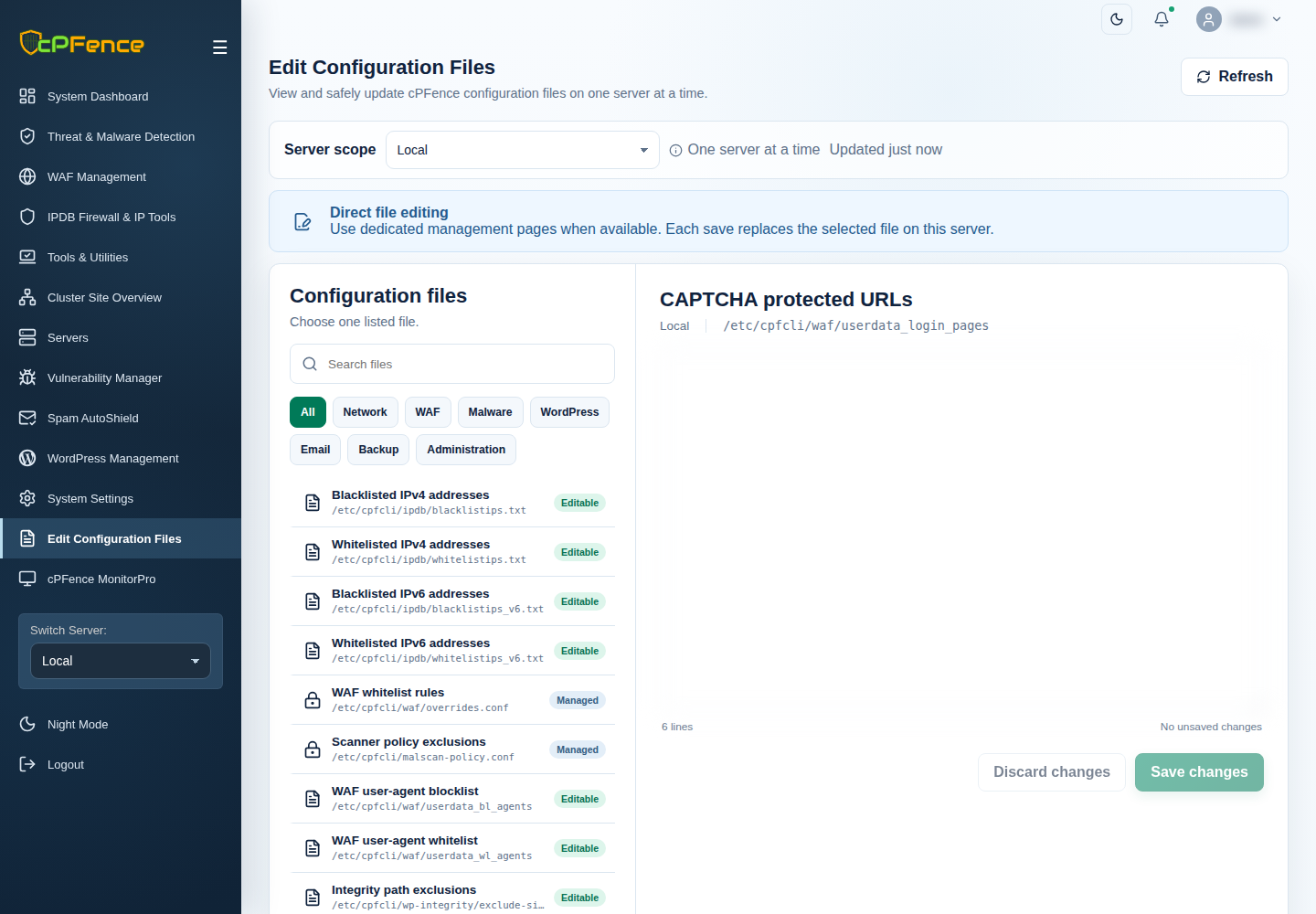
- Choose the target server and disable its WAF master for editing.
- Open Edit Configuration Files → CAPTCHA protected URLs.
- Add or remove one path per line in File content, preserving entries you still need. Examples include
/wp-login.phpand/custom-admin/login. - Choose Save changes, read the result and reload to verify the list.
- Enable WAF again and confirm the required global/domain CAPTCHA switches.
Support users need file-editing and WAF-control permissions. The installed list is /etc/cpfcli/waf/userdata_login_pages; use the validated editor where possible.
If a legitimate login stops working, restore the prior path list through the same workflow and review the matching event. Do not disable every domain’s protection to hide one path problem.