
Change quarantine retention
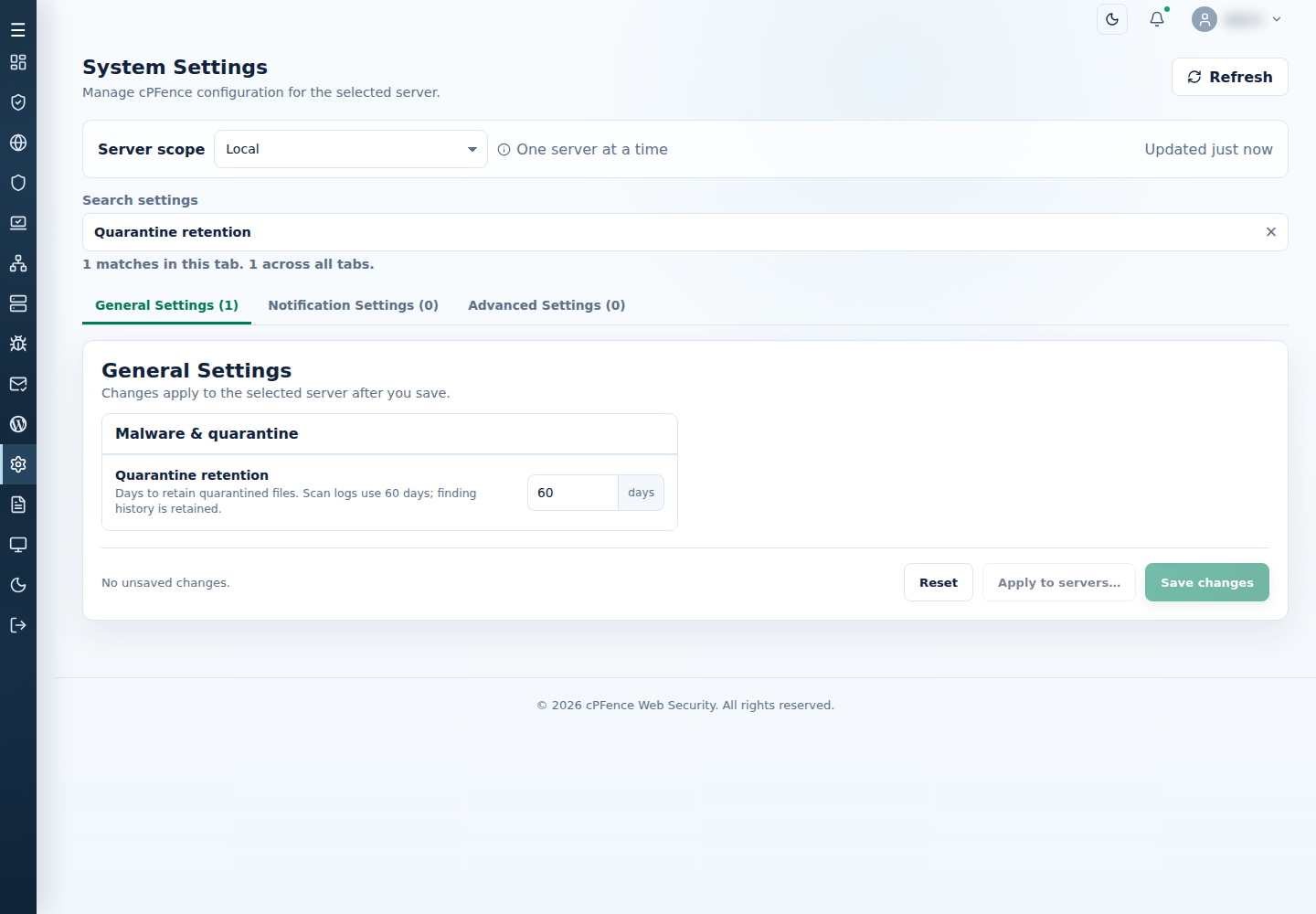
cPFence v4+ retains quarantined payloads for 60 days by default.
Change the retention period
Section titled “Change the retention period”- Open System Settings and select the target server.
- Search for Quarantine retention.
- Enter the number of days and choose Save changes.
- Confirm the saved value before relying on the new retention period.
Administrators can change this setting; support users need the relevant settings permission. Root administrators can edit QUARANTINE_DAYS in /etc/cpfcli/config.conf; use a positive whole number of days. The setting applies at the next retention pass.